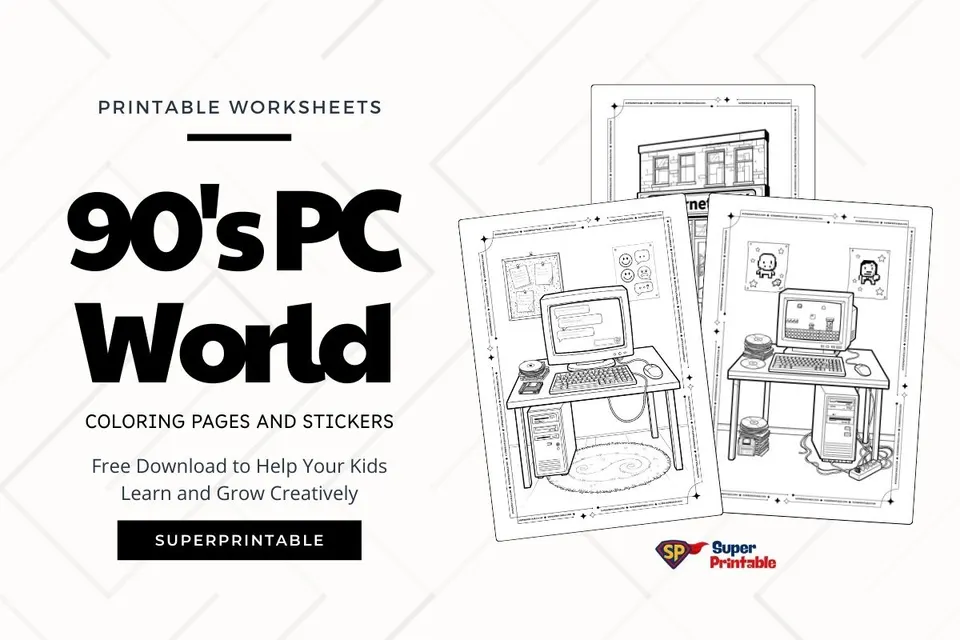
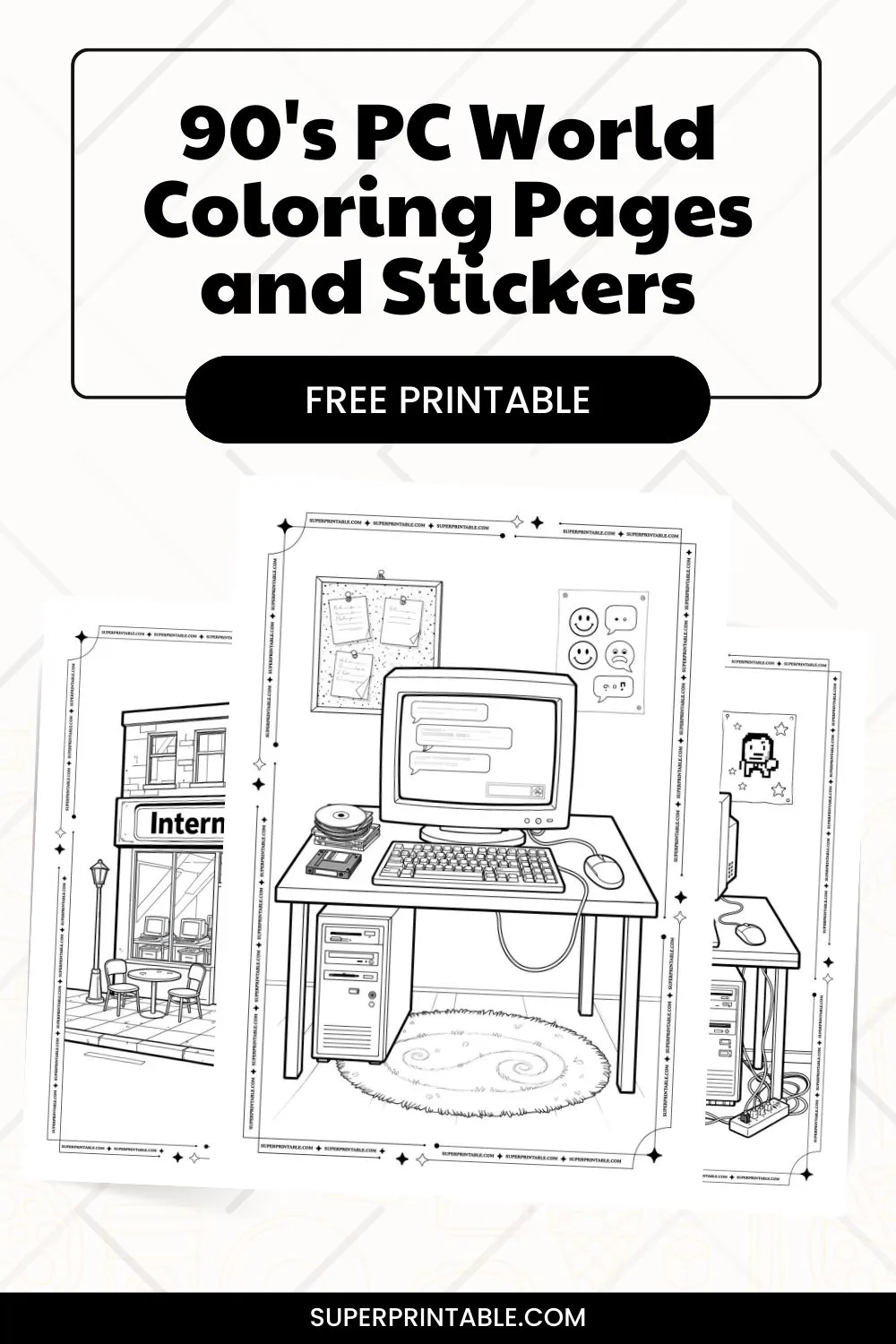
Long ago, computers looked big and simple. In the 90s, people used large screens, keyboards, and floppy disks to play games and write messages. These 90’s PC world coloring pages help kids see what old computers looked like while they color and imagine using them.
Each page shows a small computer setup with fun details like disks, posters, and desks. Children can sit with a parent or teacher and color slowly. They can talk about how computers have changed and feel curious about the past..
Coloring Page:
 Download free PDF
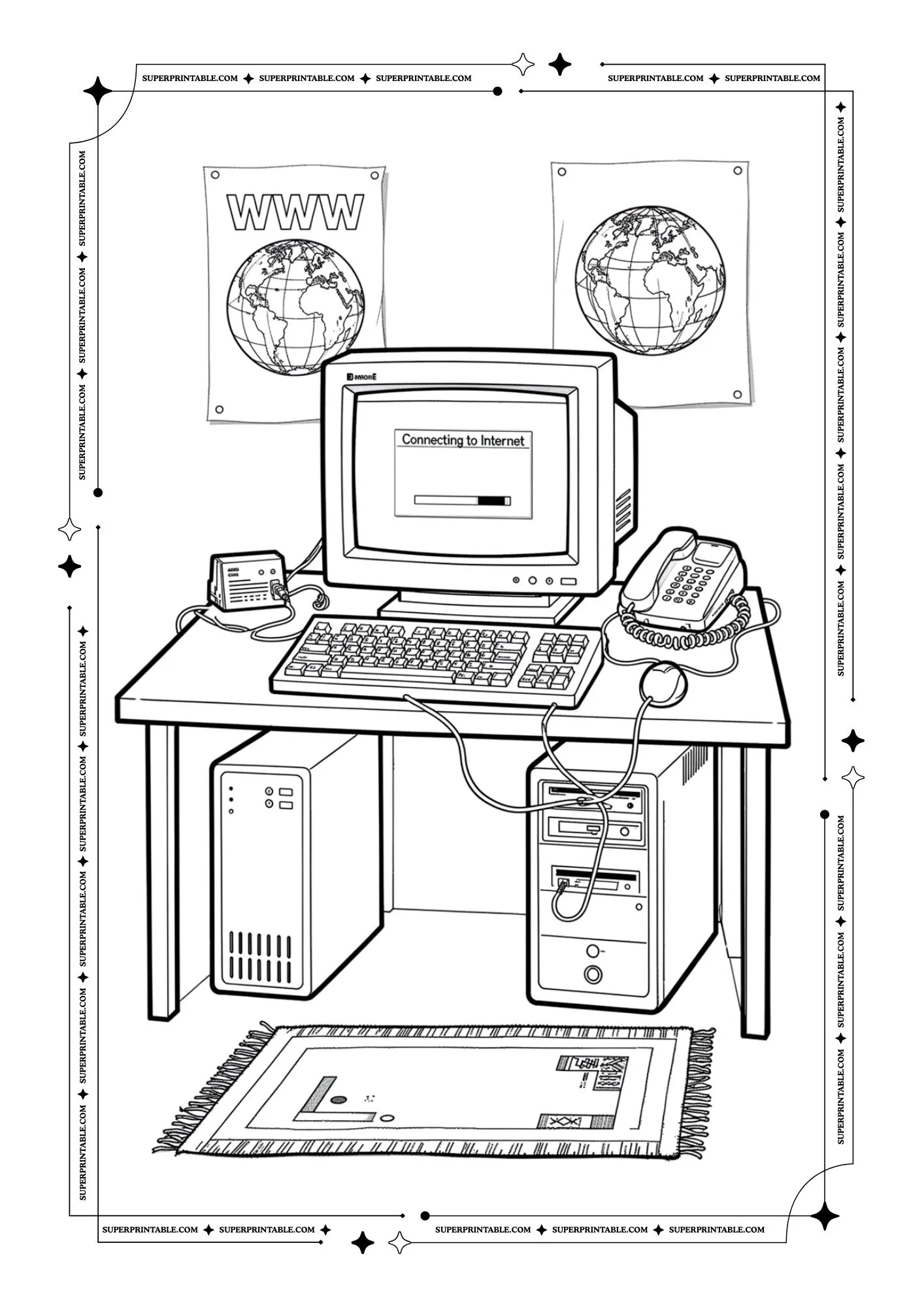
This picture shows a computer sitting on a desk with a keyboard, mouse, and telephone nearby. The screen says it is connecting to the internet. It reminds us that computers help people talk, learn, and share ideas across the world.
 Download free PDF
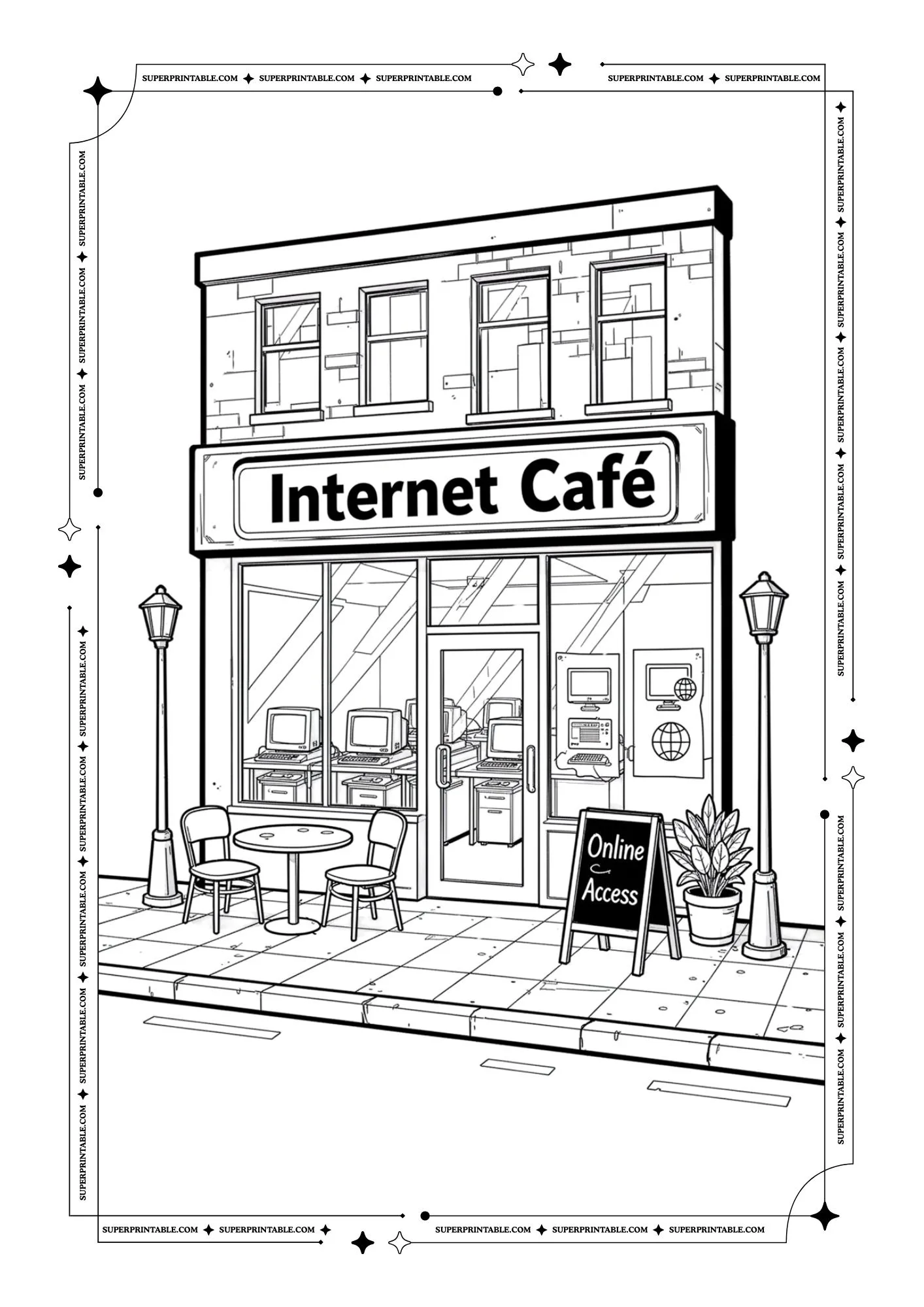
This picture shows a small Internet Café on a city street. Inside, many computers wait for people to use them. It reminds us that places like this help everyone explore the internet and learn new things.
 Download free PDF
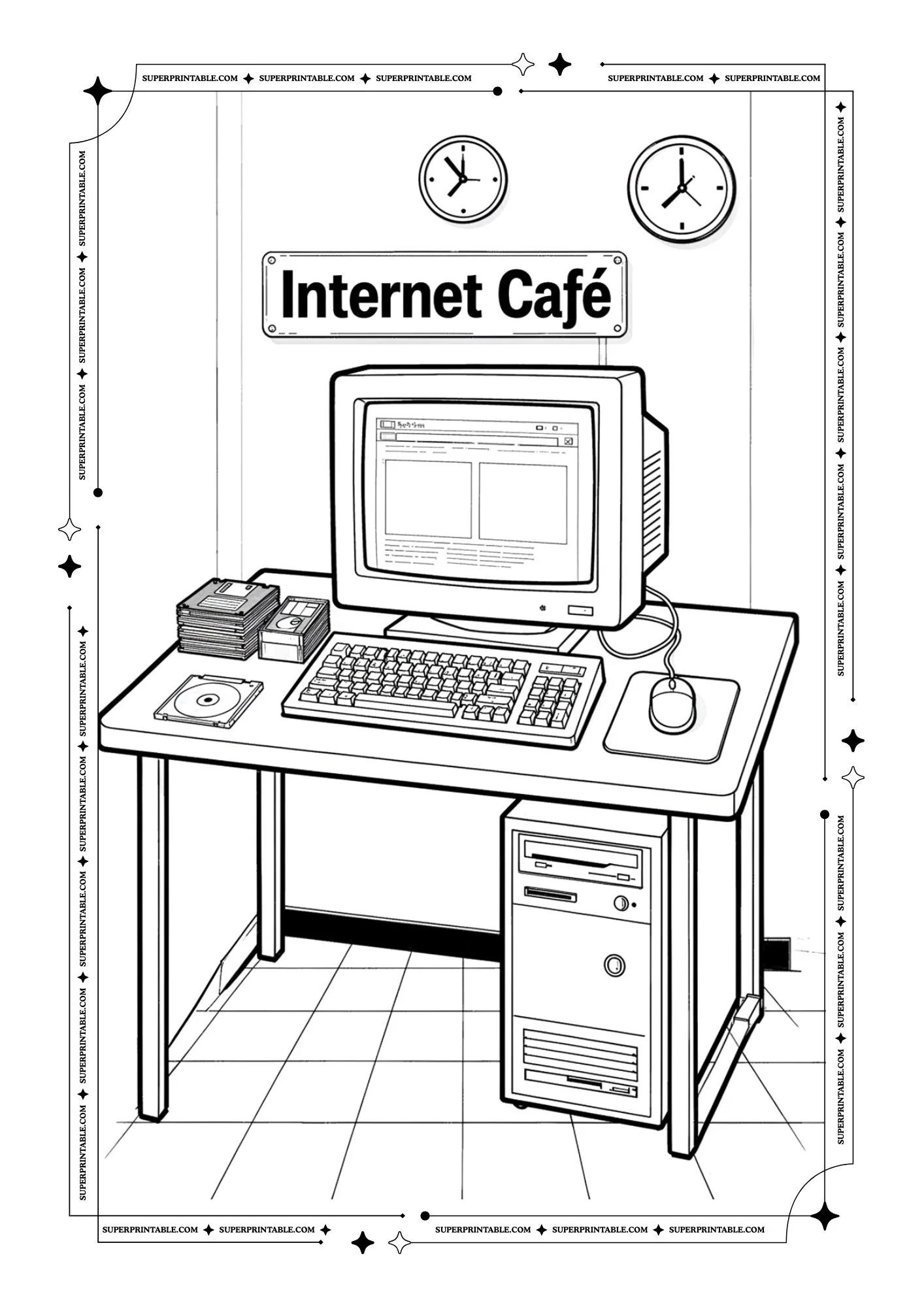
This picture shows a computer on a desk with disks and books beside it. The screen is open and ready to work. It reminds us that computers help us write, read, and discover helpful information.
 Download free PDF
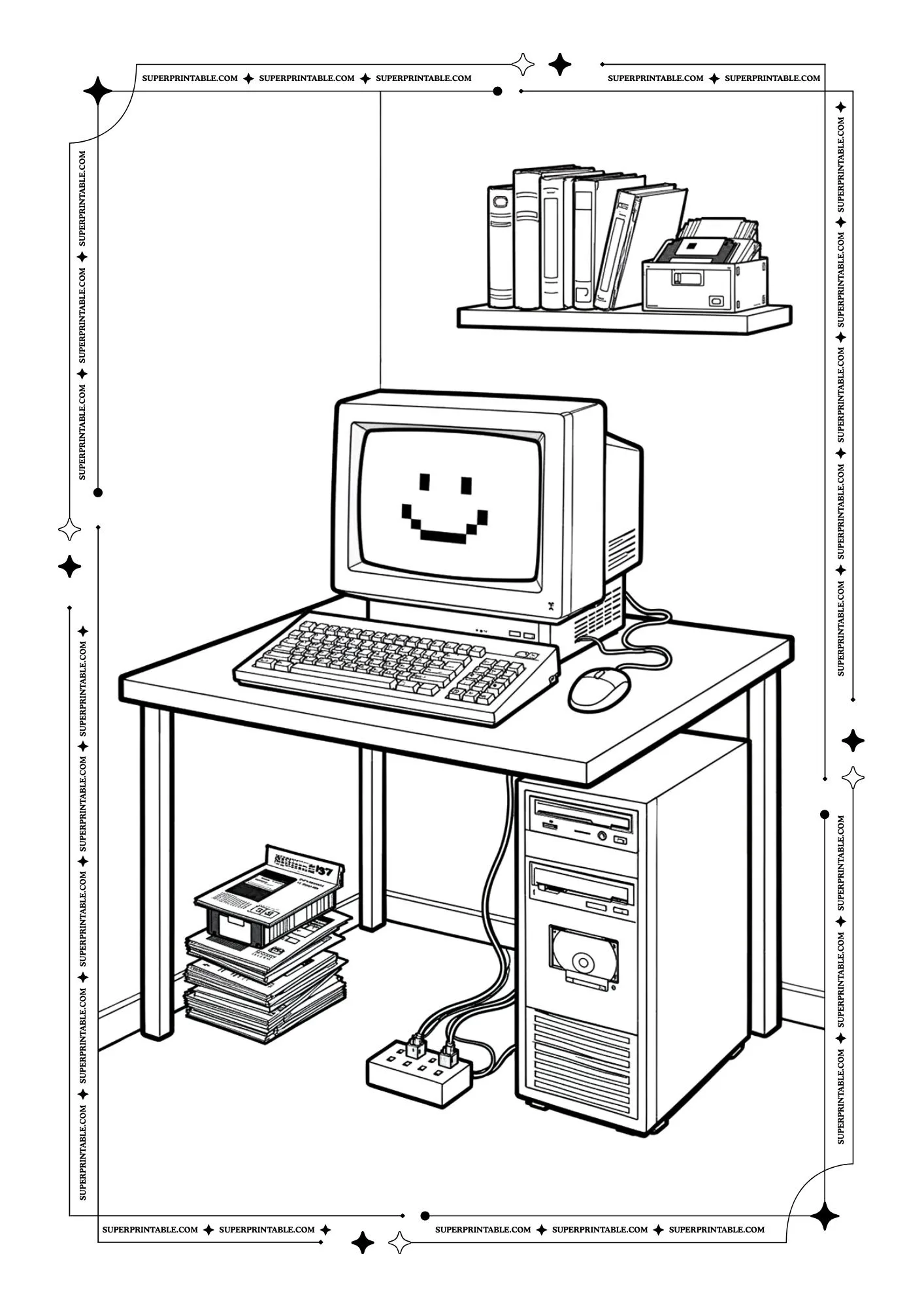
This picture shows a friendly computer with a smiling face on the screen. Books and disks sit nearby. It reminds us that technology can feel welcoming and fun when we learn how to use it.
 Download free PDF
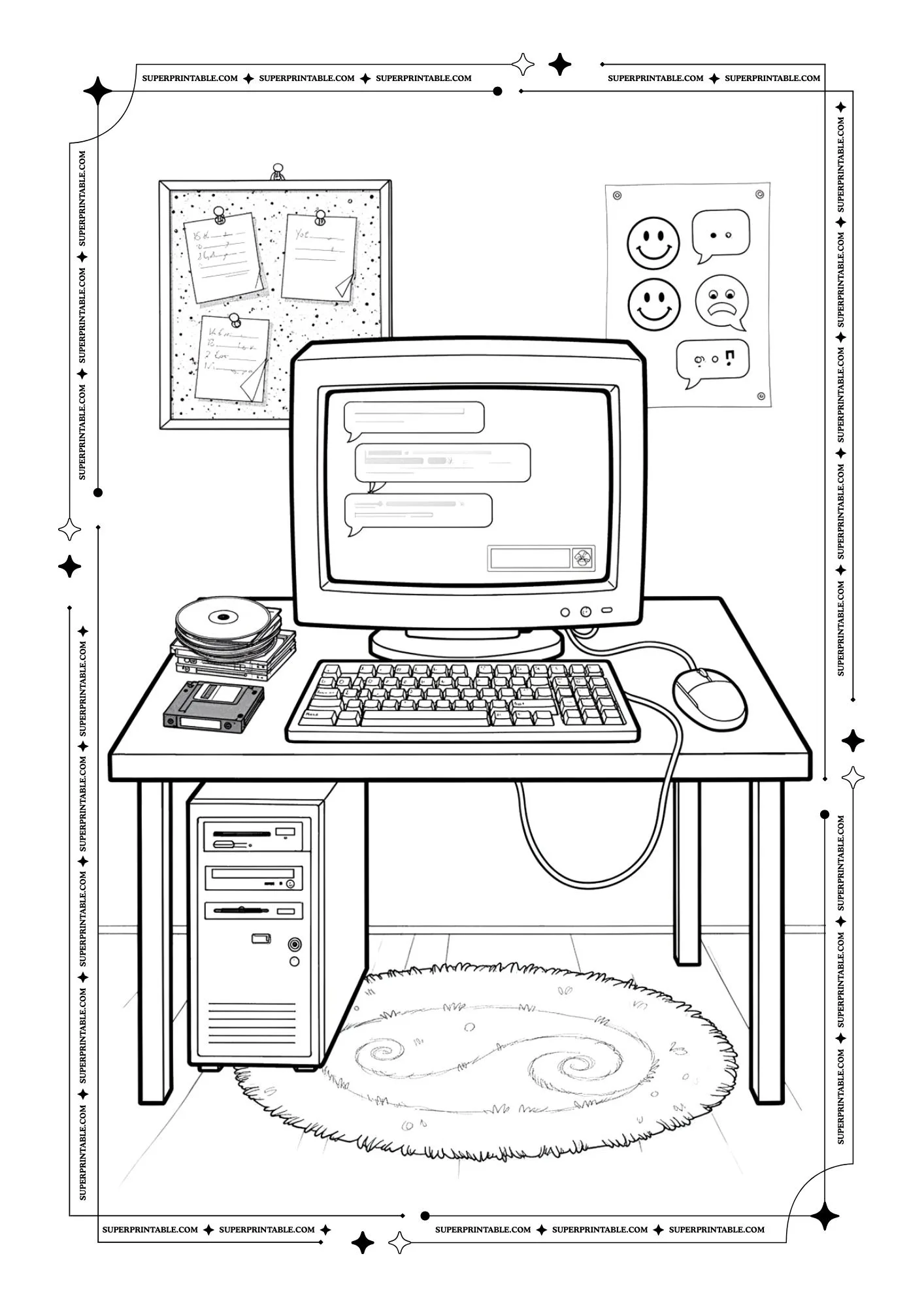
This picture shows a computer where messages appear on the screen like a chat. Disks and notes sit around the desk. It reminds us that computers help people send messages and stay connected with friends.
 Download free PDF
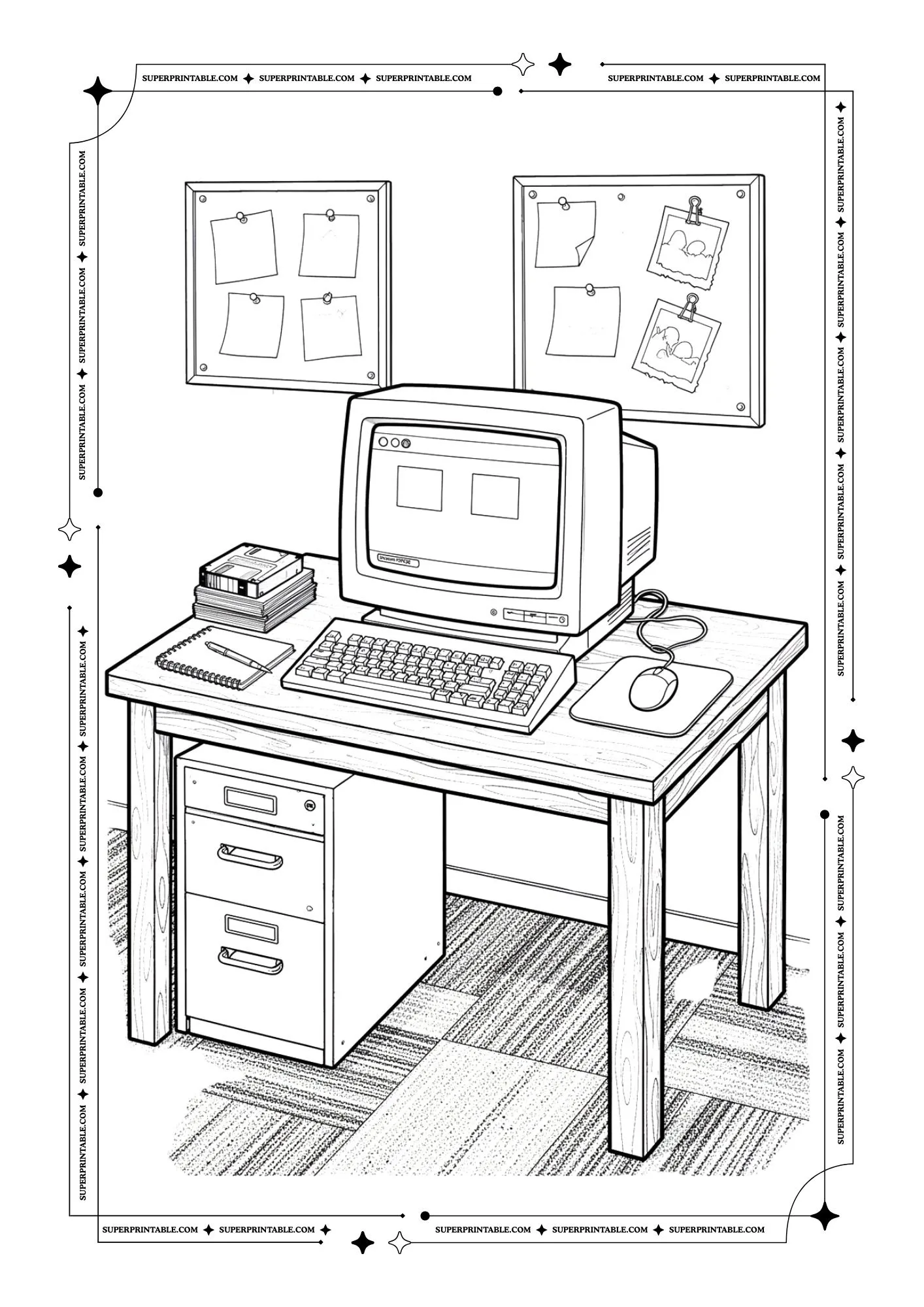
This picture shows a tidy desk with a computer, notebook, and mouse. Notes and pictures hang on the wall above. It reminds us that computers are useful tools for learning, thinking, and organizing ideas.
 Download free PDF
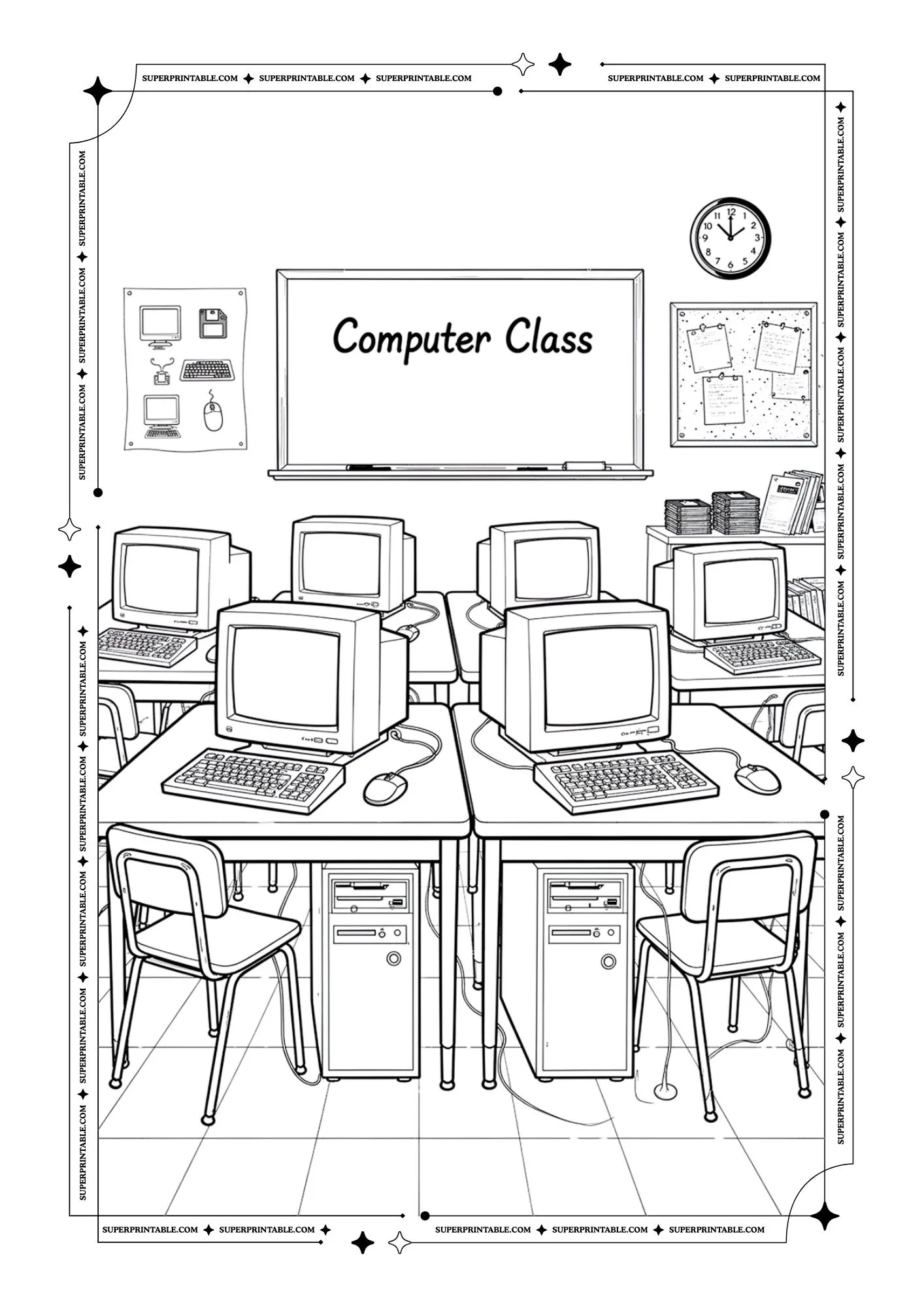
This picture shows a classroom full of computers where students can sit and learn together. A board says computer class at the front. It reminds us that technology helps students explore knowledge and build new skills.
 Download free PDF
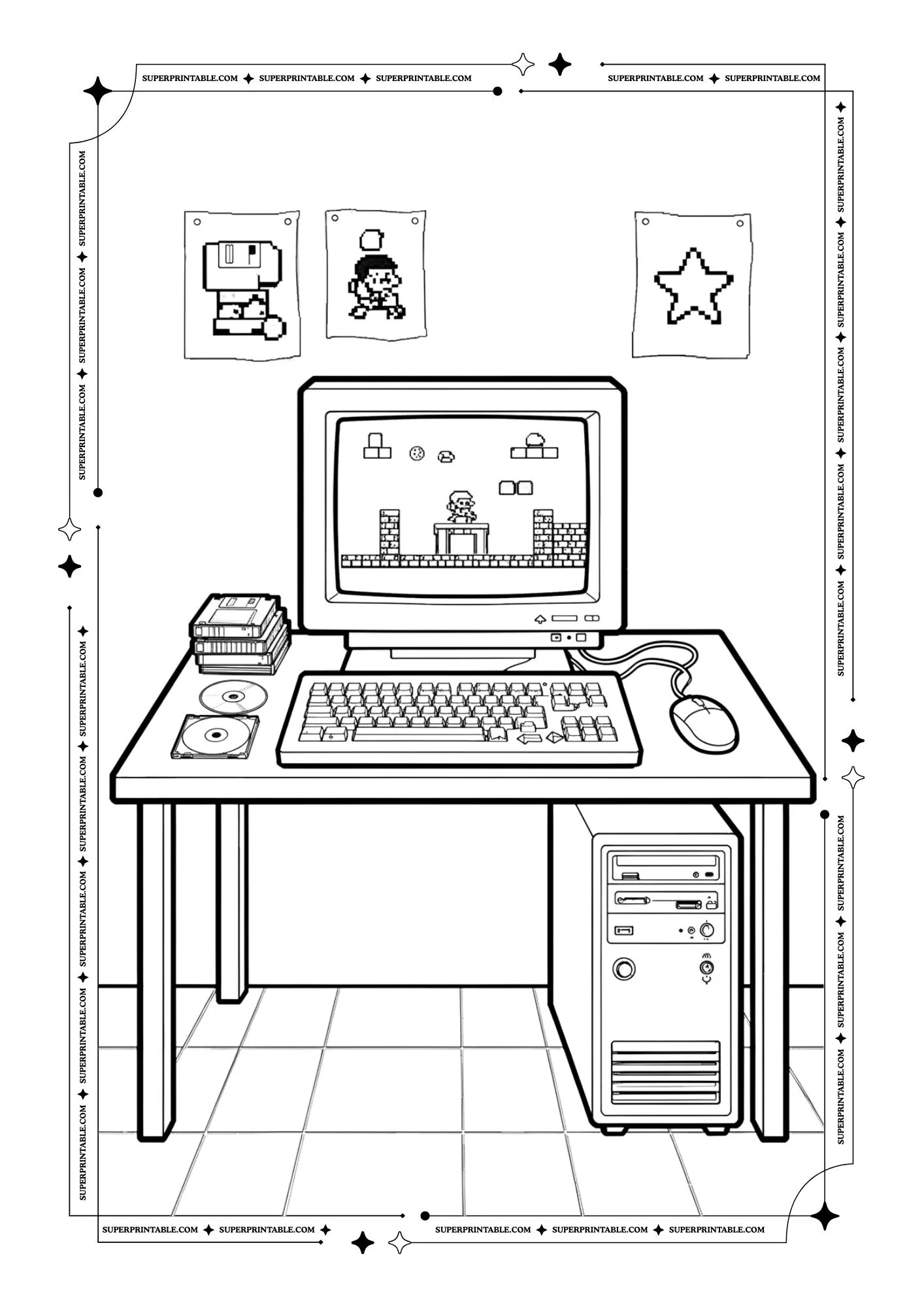
This picture shows a computer playing a fun video game with a small character jumping on the screen. Disks sit beside the keyboard. It reminds us that computers can also bring joy and exciting games.
 Download free PDF
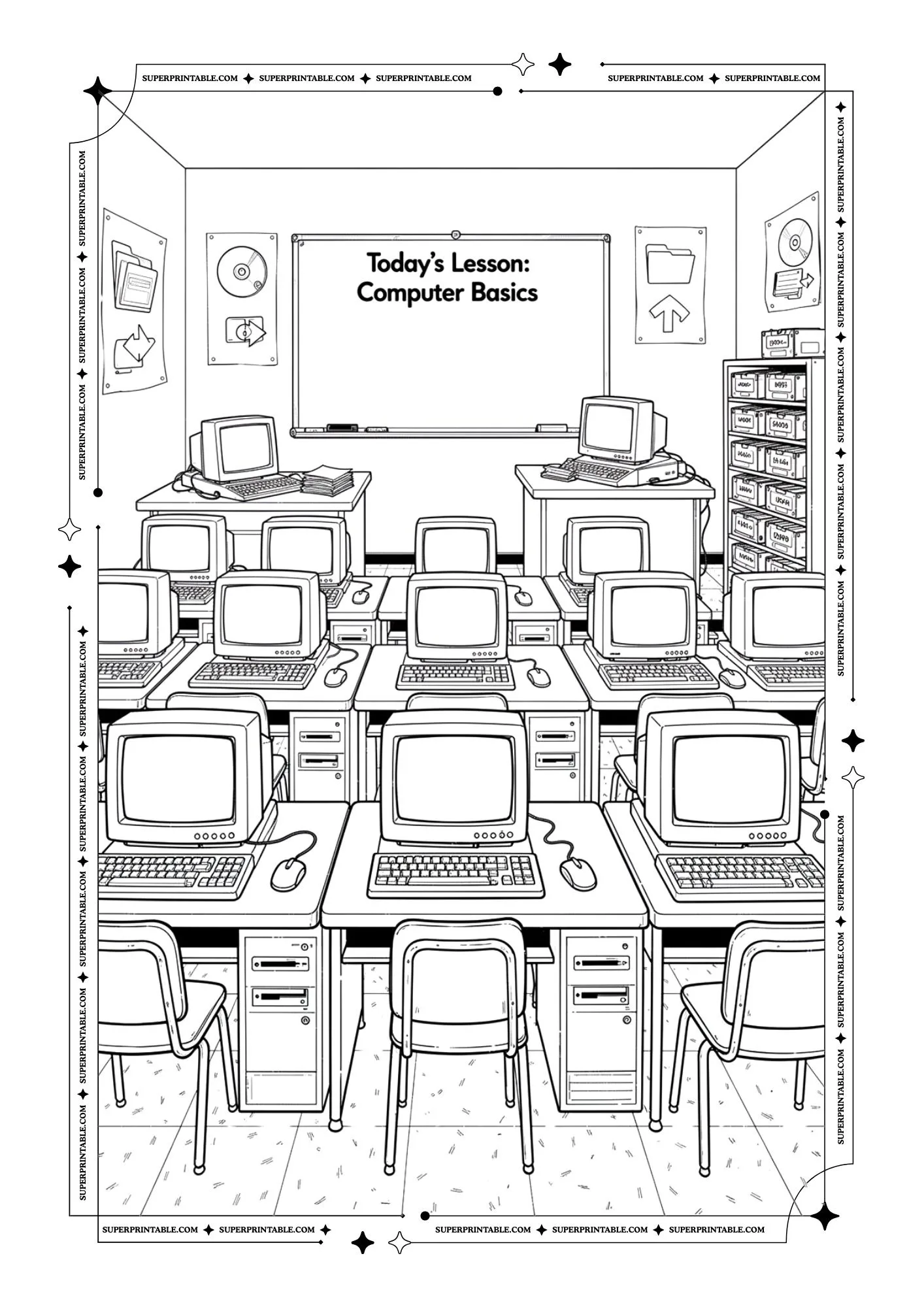
This picture shows a classroom where many computers face the front board. The lesson says computer basics. It reminds us that learning technology step by step helps children grow confident and curious.
 Download free PDF
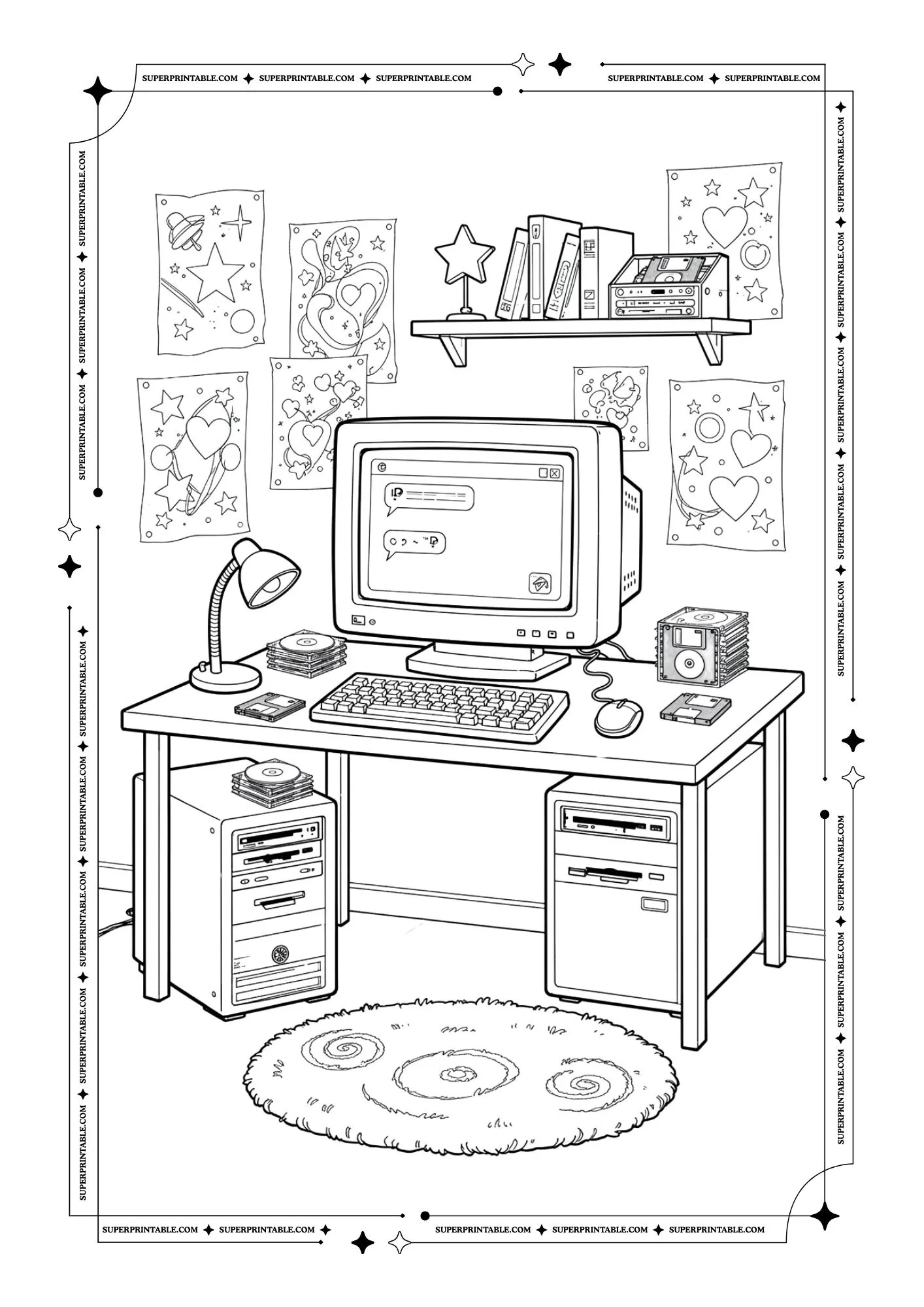
This picture shows a computer desk with colorful drawings and stars on the wall. The screen shows messages being typed. It reminds us that computers can be creative spaces where ideas and stories are shared.
 Download free PDF
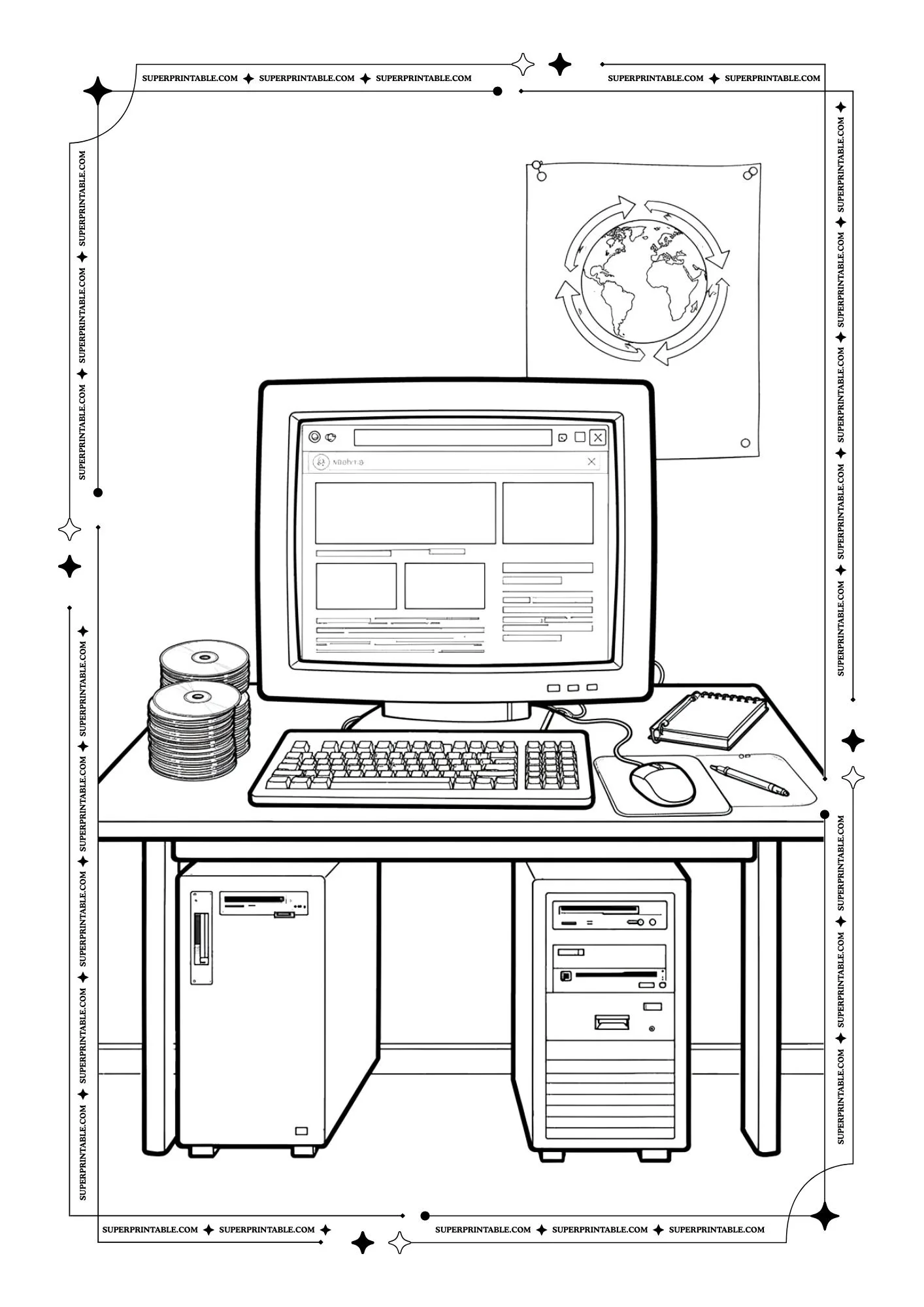
This picture shows a computer connected to the internet with disks, notebooks, and a mouse nearby. A globe poster hangs on the wall. It reminds us that computers help people explore the world from one desk.
 Download free PDF
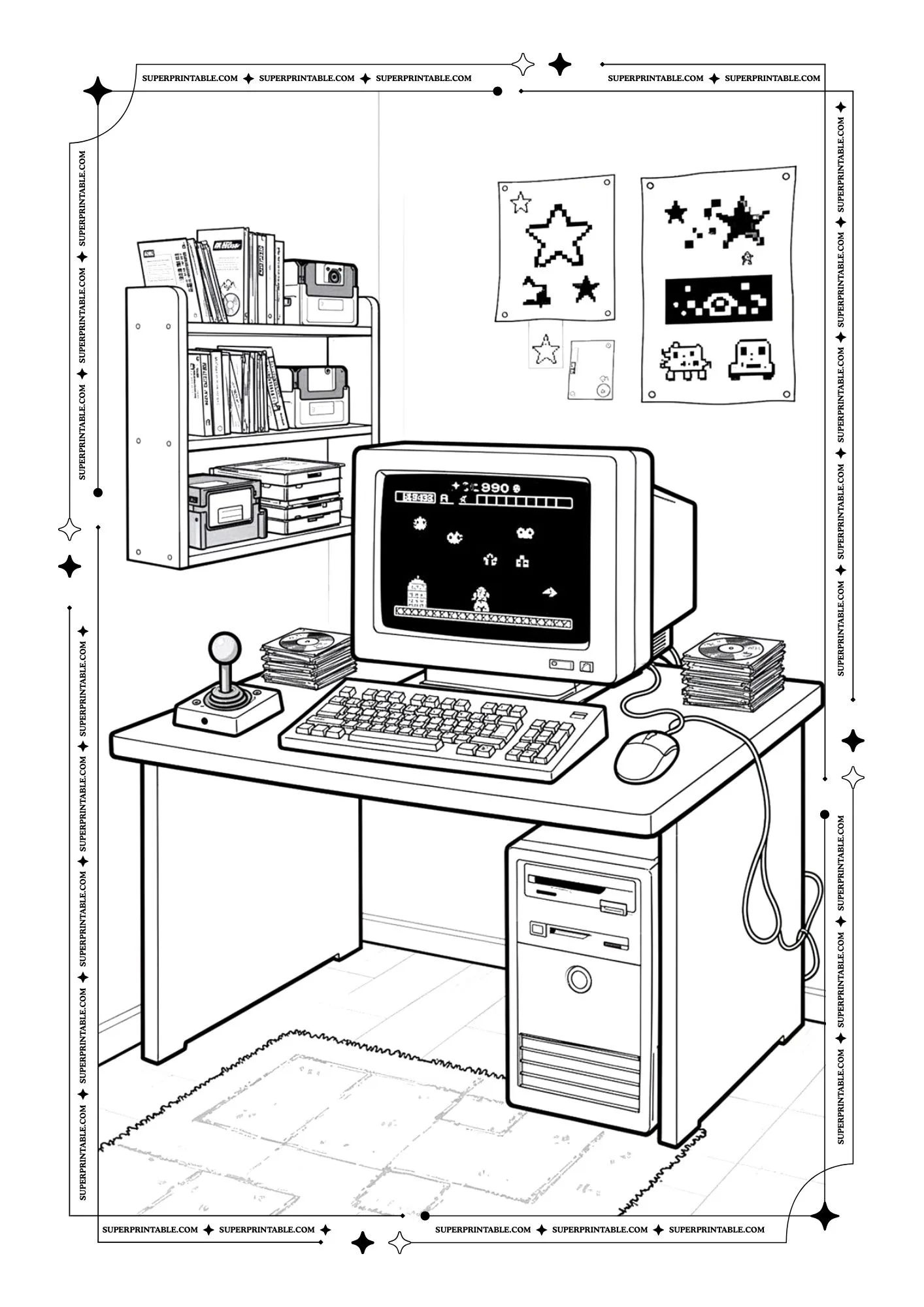
This picture shows a desk with a joystick and a computer running a classic game. Shelves hold many disks and books. It reminds us that technology can be playful and bring exciting adventures.
 Download free PDF
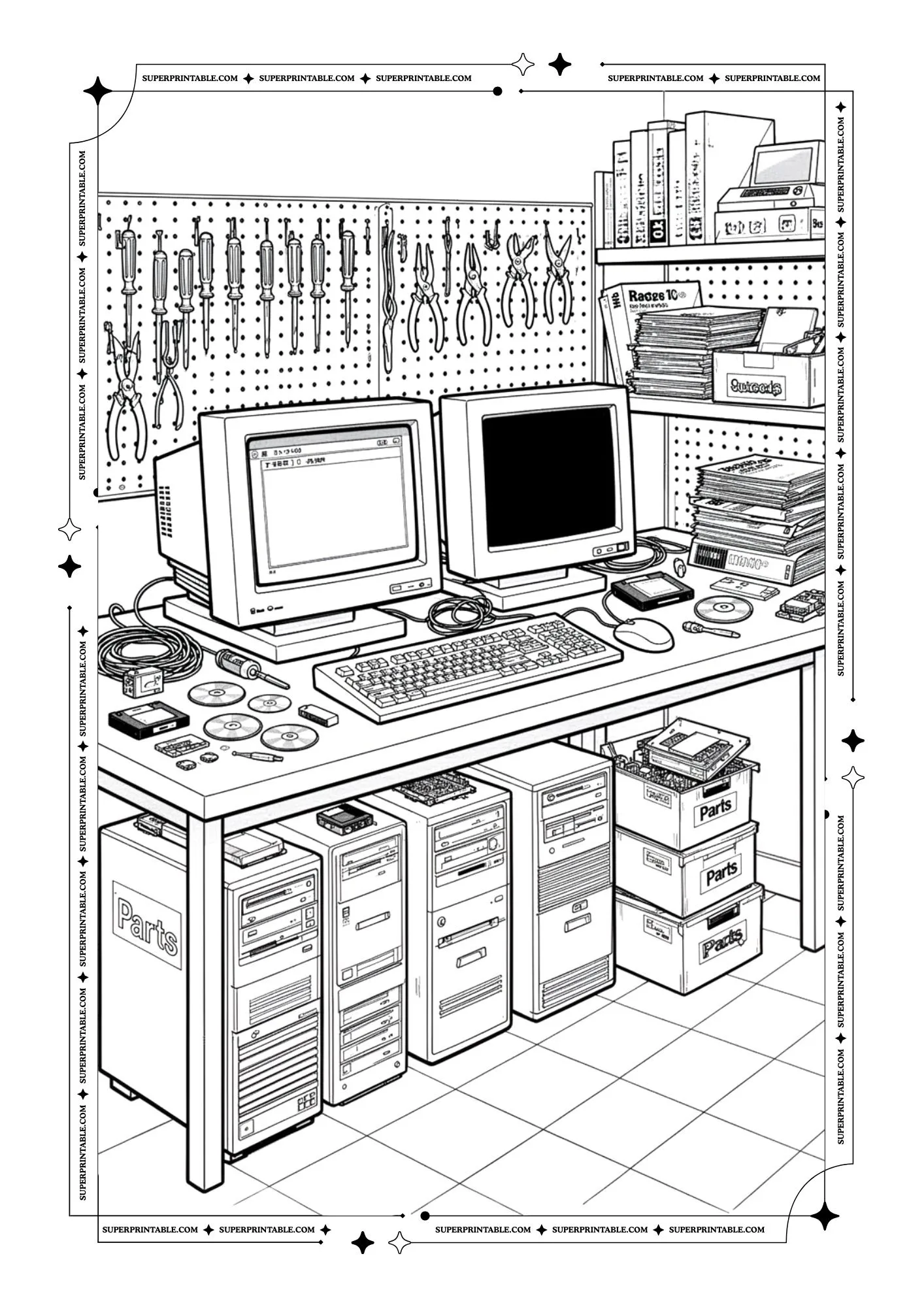
This picture shows a workbench full of computer parts, tools, and screens. It looks like a place where machines are fixed and improved. It reminds us that caring for technology keeps it working well.
 Download free PDF
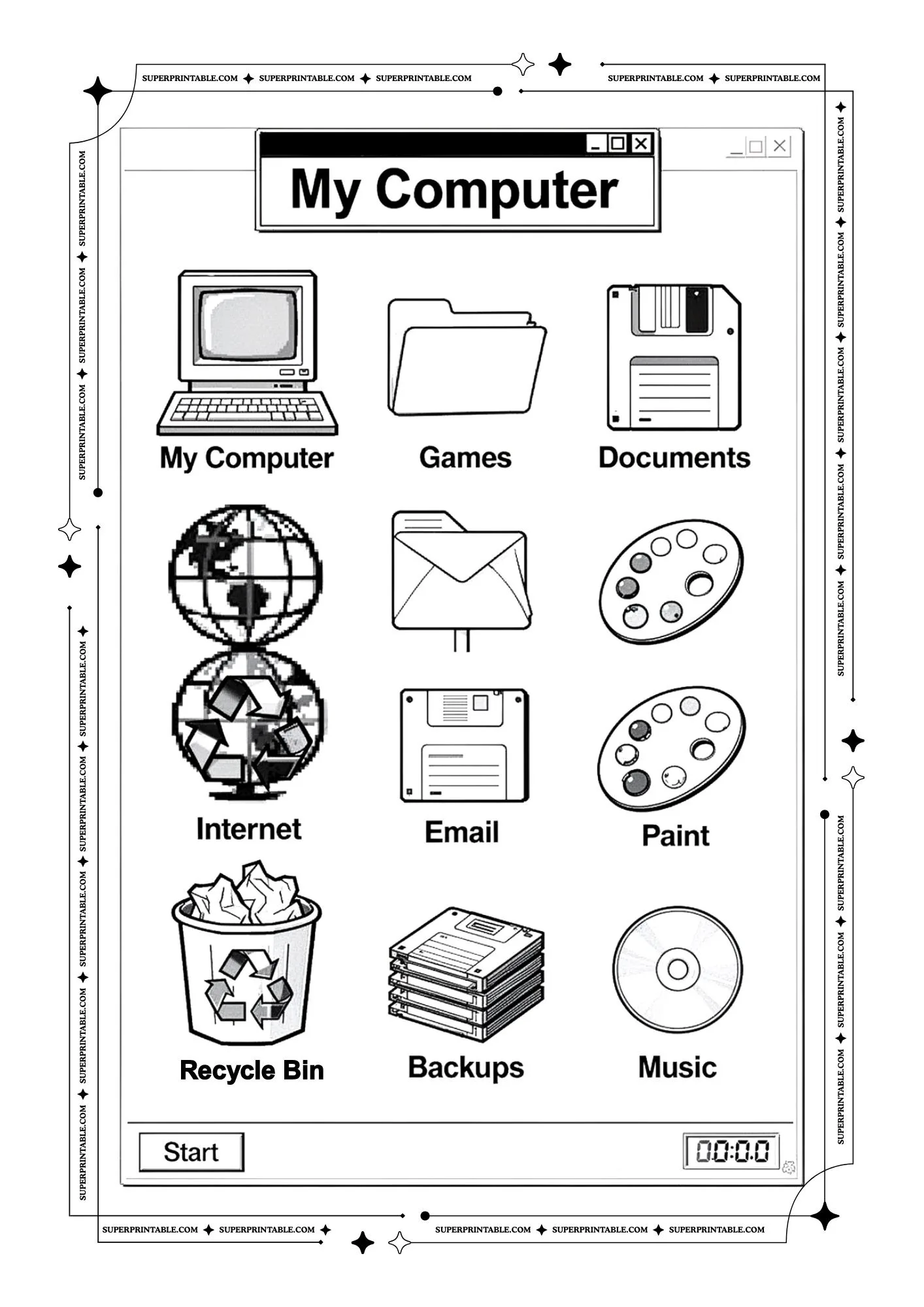
This picture shows a computer screen with simple icons like games, email, music, and documents. Each picture represents a different task. It reminds us that computers help us do many helpful things.
 Download free PDF
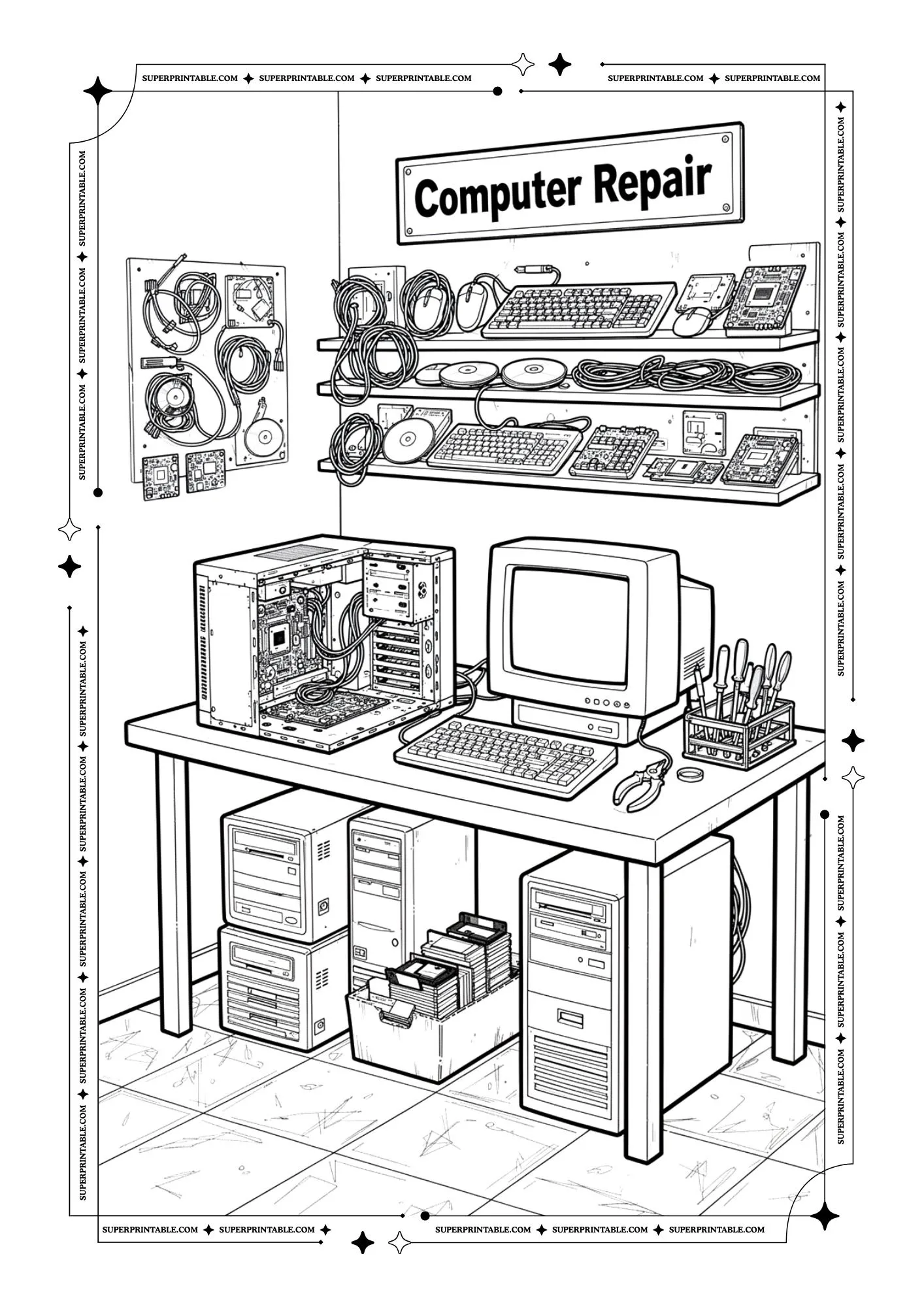
This picture shows a computer repair station with tools, wires, and open computer parts. Someone can fix broken machines here. It reminds us that learning how things work helps us solve problems.
 Download free PDF
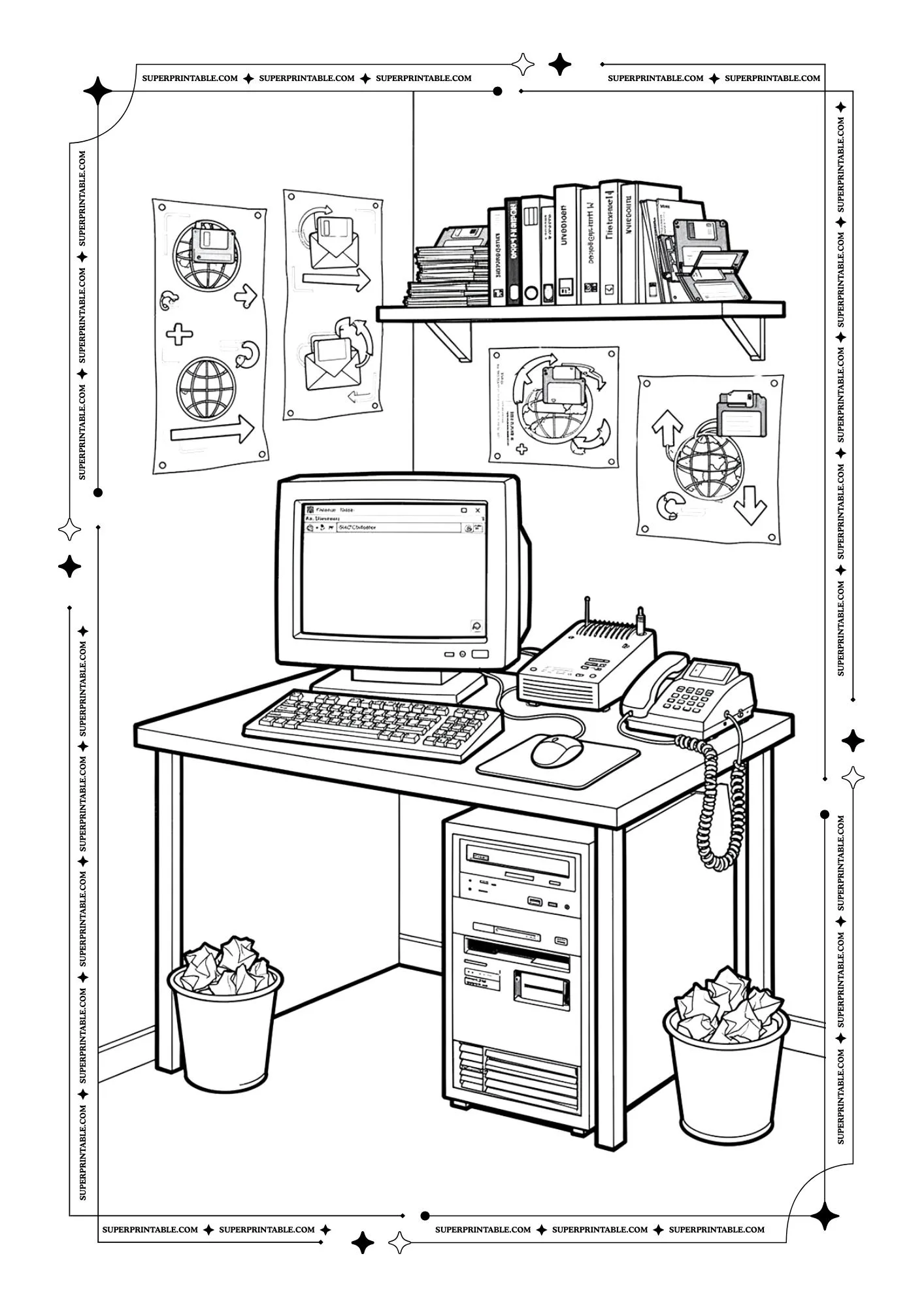
This picture shows a computer desk with a modem and telephone used to connect to the internet. Books and notes sit on a shelf above. It reminds us that communication tools help people stay in touch.
 Download free PDF
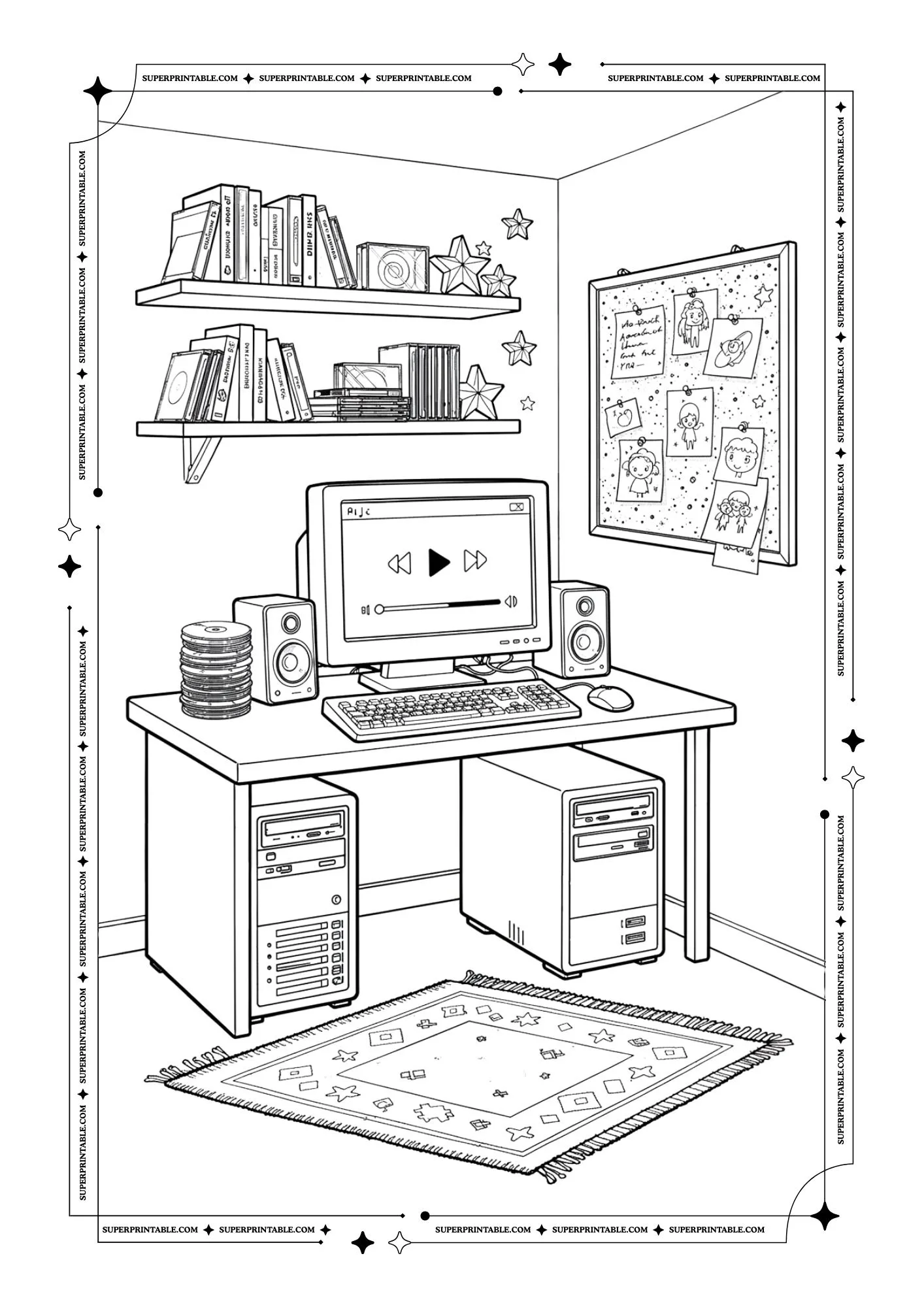
This picture shows a cozy computer desk with speakers, books, and music playing on the screen. It looks calm and creative. It reminds us that computers can bring music, learning, and relaxation together.
 Download free PDF
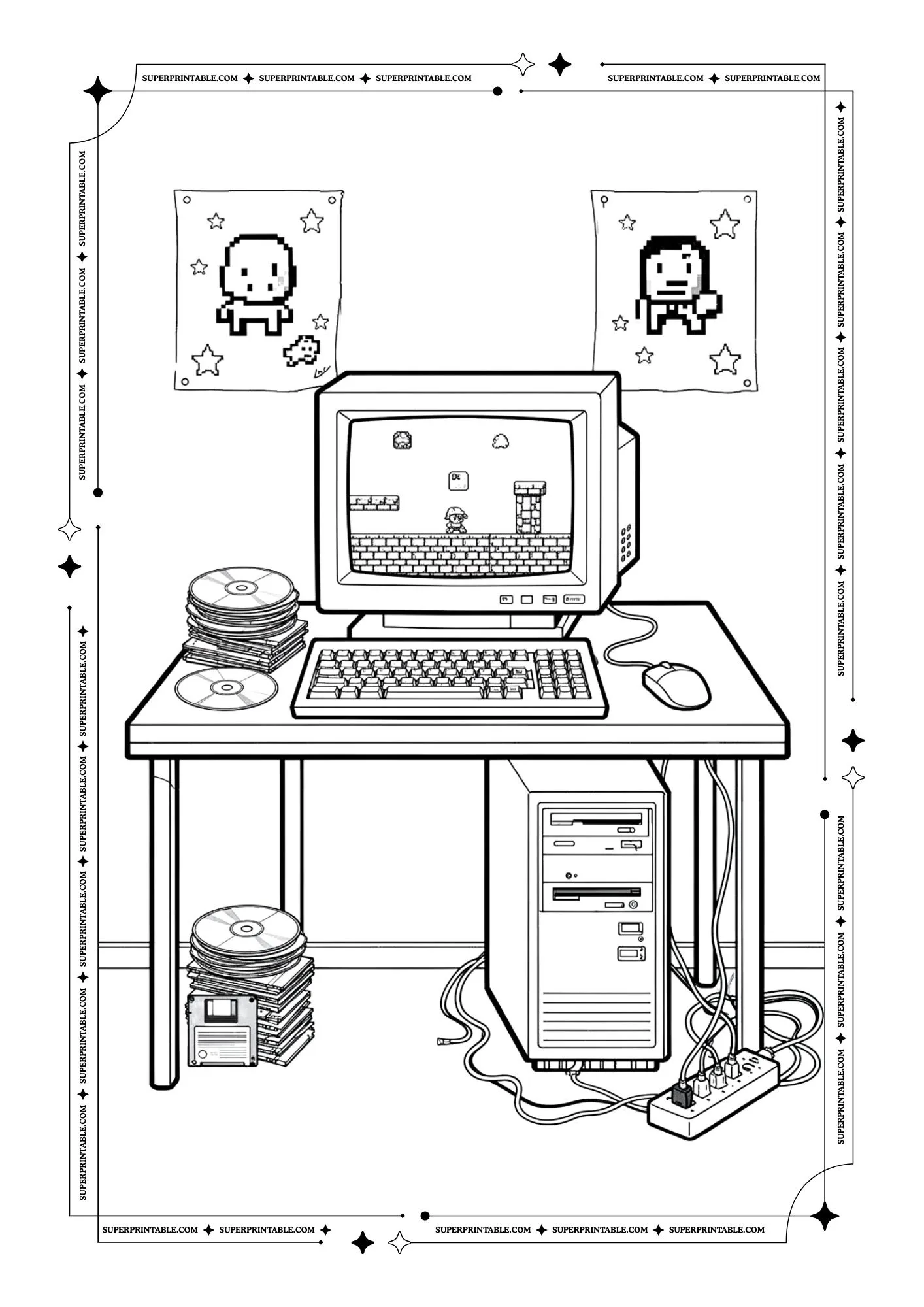
This picture shows a computer where a small character jumps through a simple game world. Disks and cables sit around the desk. It reminds us that imagination and play can live inside technology.
 Download free PDF
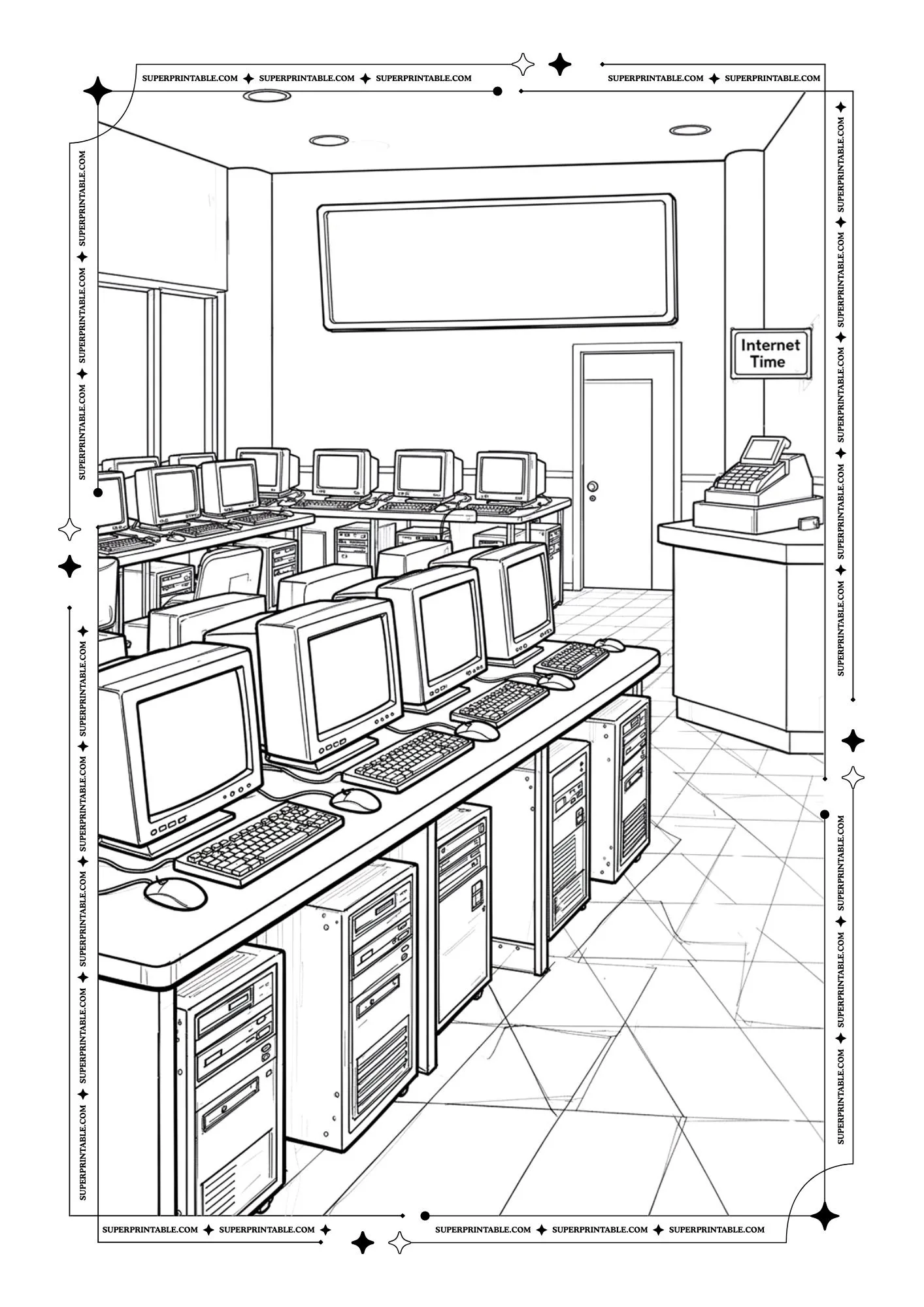
This picture shows a large room filled with many computers in rows like an internet center. People can come here to use the machines. It reminds us that technology can bring communities together.
 Download free PDF
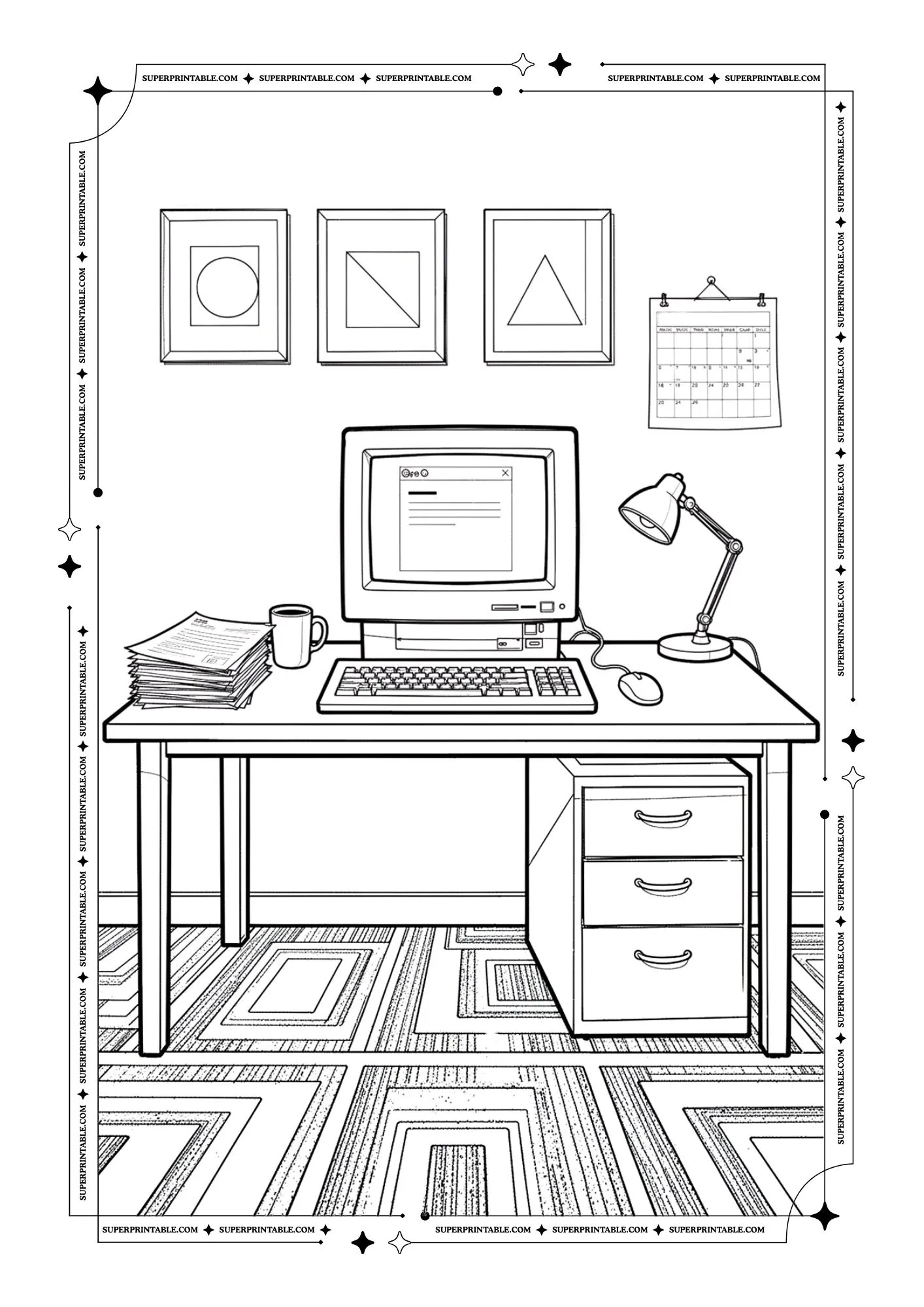
This picture shows a quiet desk with a computer, papers, and a warm cup beside it. A lamp shines softly on the table. It reminds us that computers help people focus, learn, and finish their work.
 Download free PDF
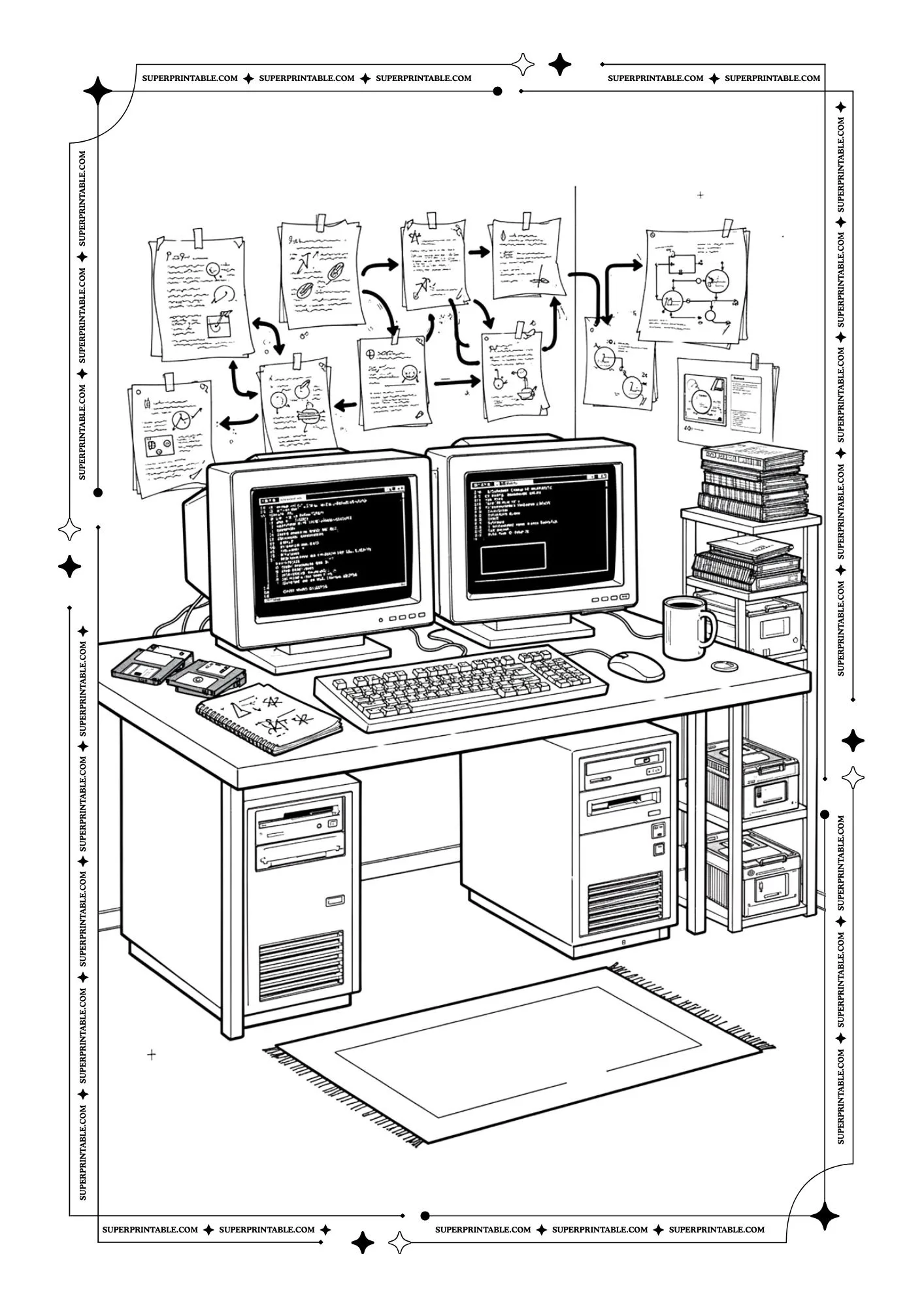
This picture shows two computers on a busy desk with many notes on the wall. Ideas and plans are connected above them. It reminds us that computers help people think, learn, and turn ideas into real work.
 Download free PDF
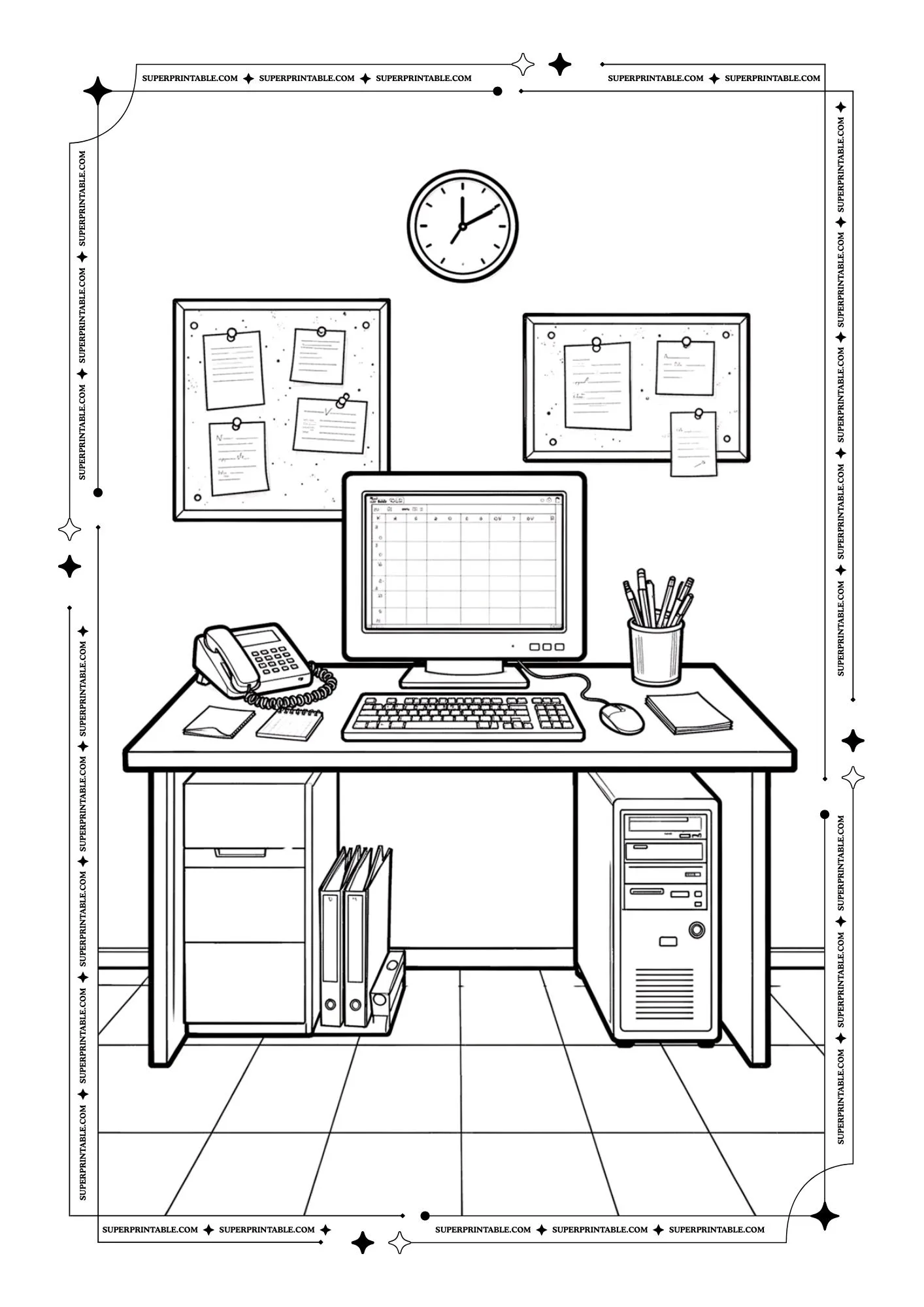
This picture shows a neat desk with a computer, phone, and pencils. Notes on the board help keep tasks organized. It teaches us that computers help people plan their work and stay focused each day.
 Download free PDF
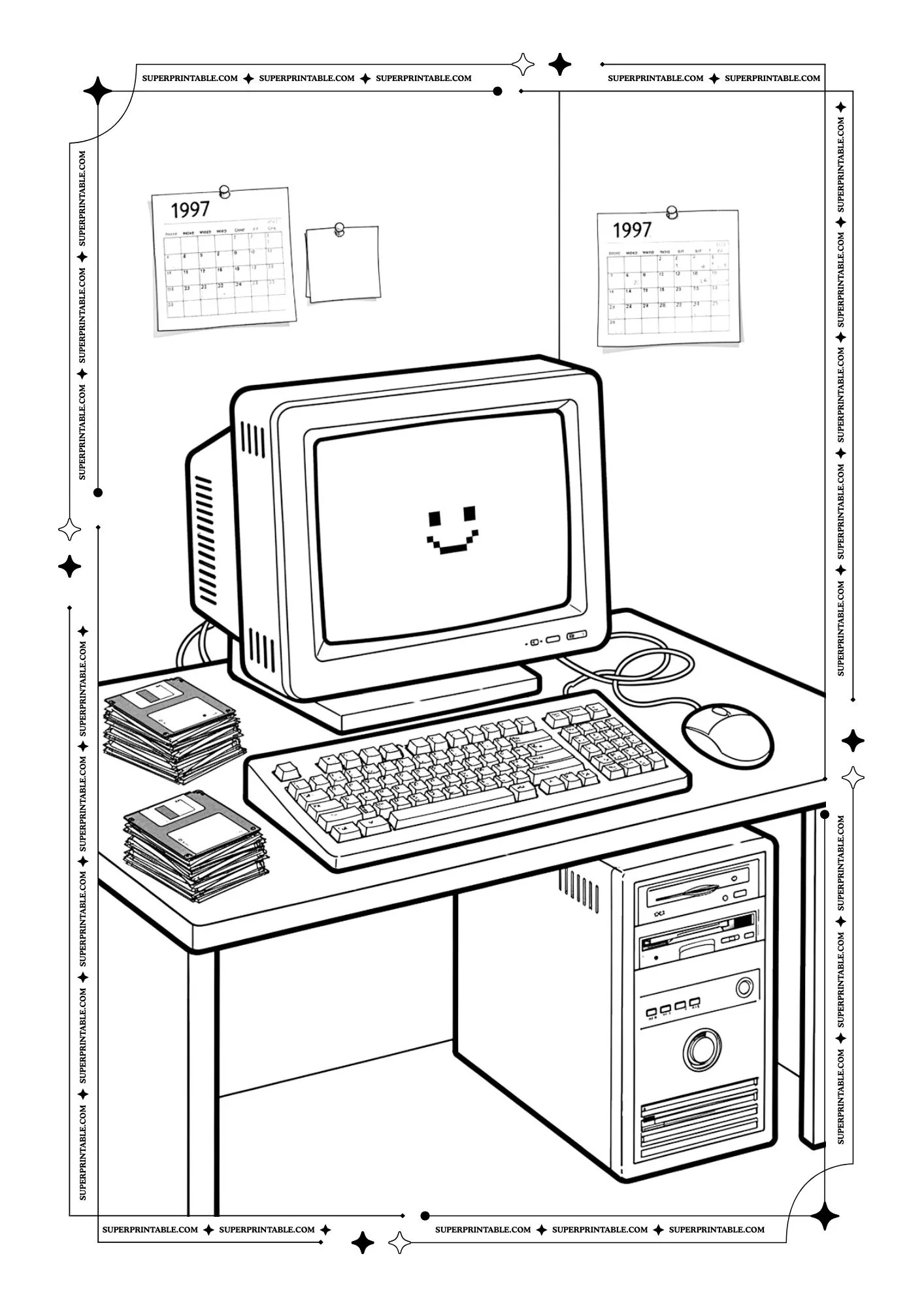
This picture shows a happy computer with a smiling face on the screen. Floppy disks sit beside the keyboard. It reminds us that learning technology can be fun and friendly when we explore it with curiosity.
 Download free PDF
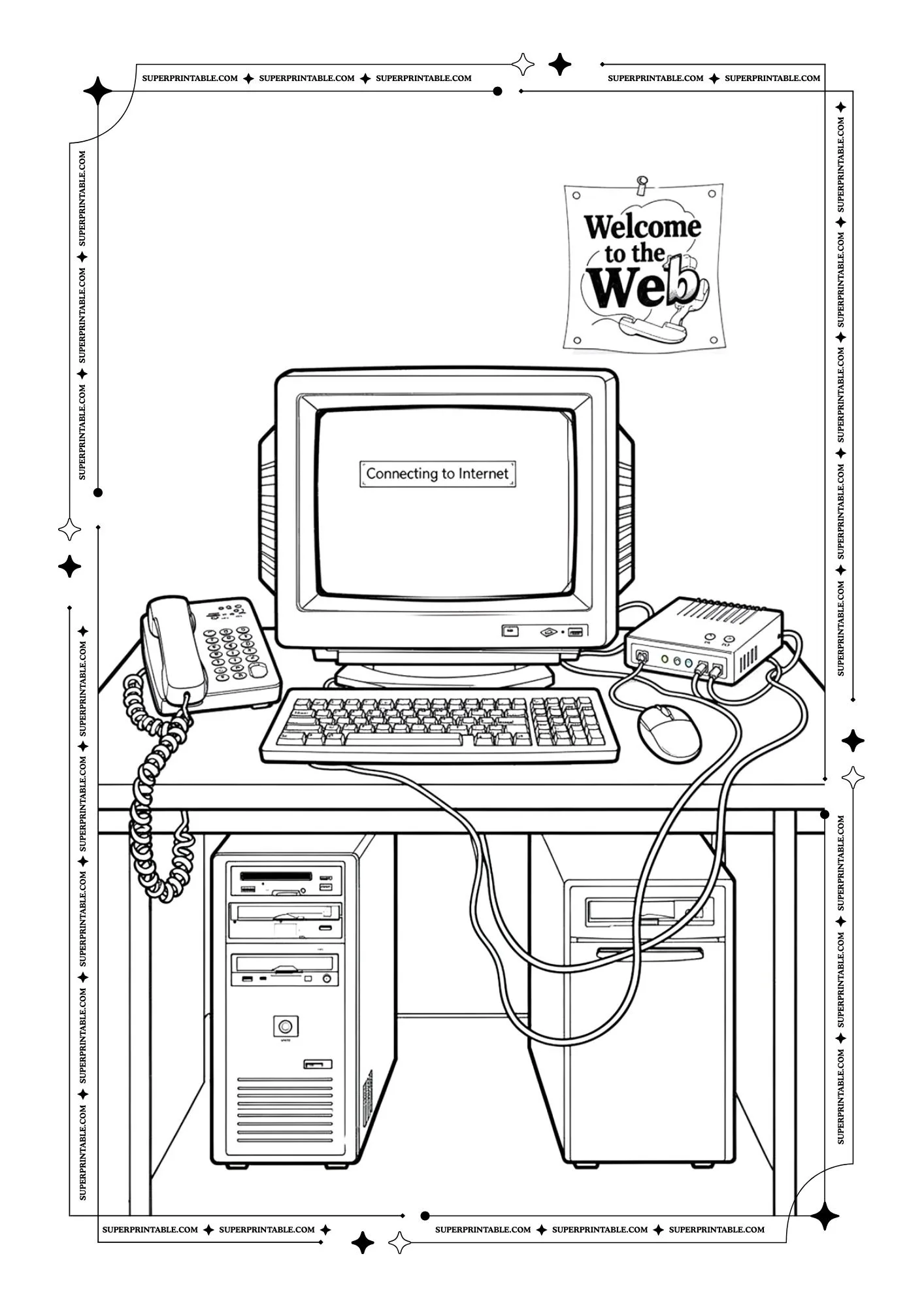
This picture shows a computer connecting to the internet with cables and a modem. A sign says welcome to the web. It reminds us that computers help people reach the world and share information.
Stickers Page:
 Download free PDF
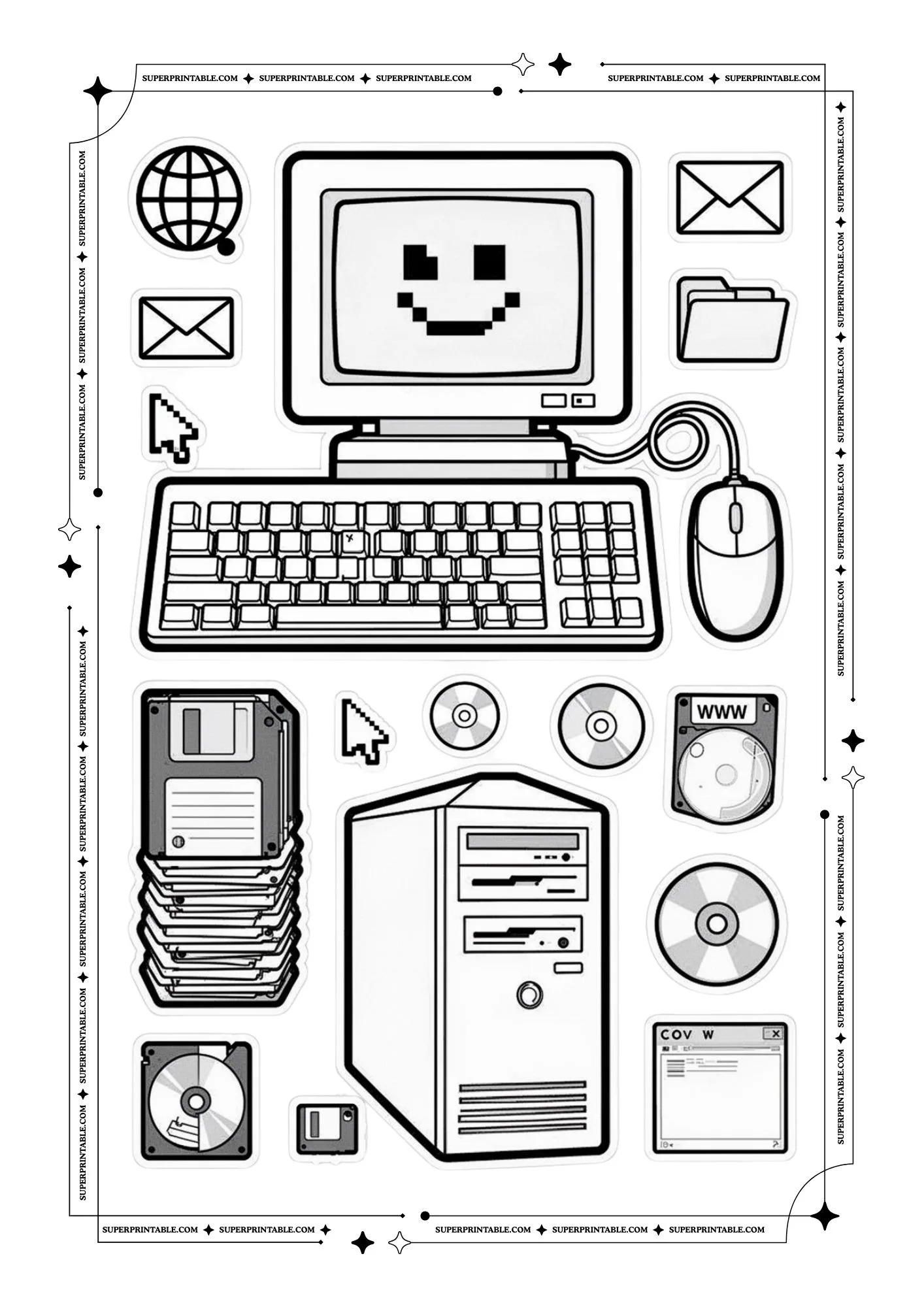
This picture shows many computer parts like disks, a mouse, and a keyboard around a screen. Each piece has its own job. It teaches us that technology works best when all parts work together.
 Download free PDF
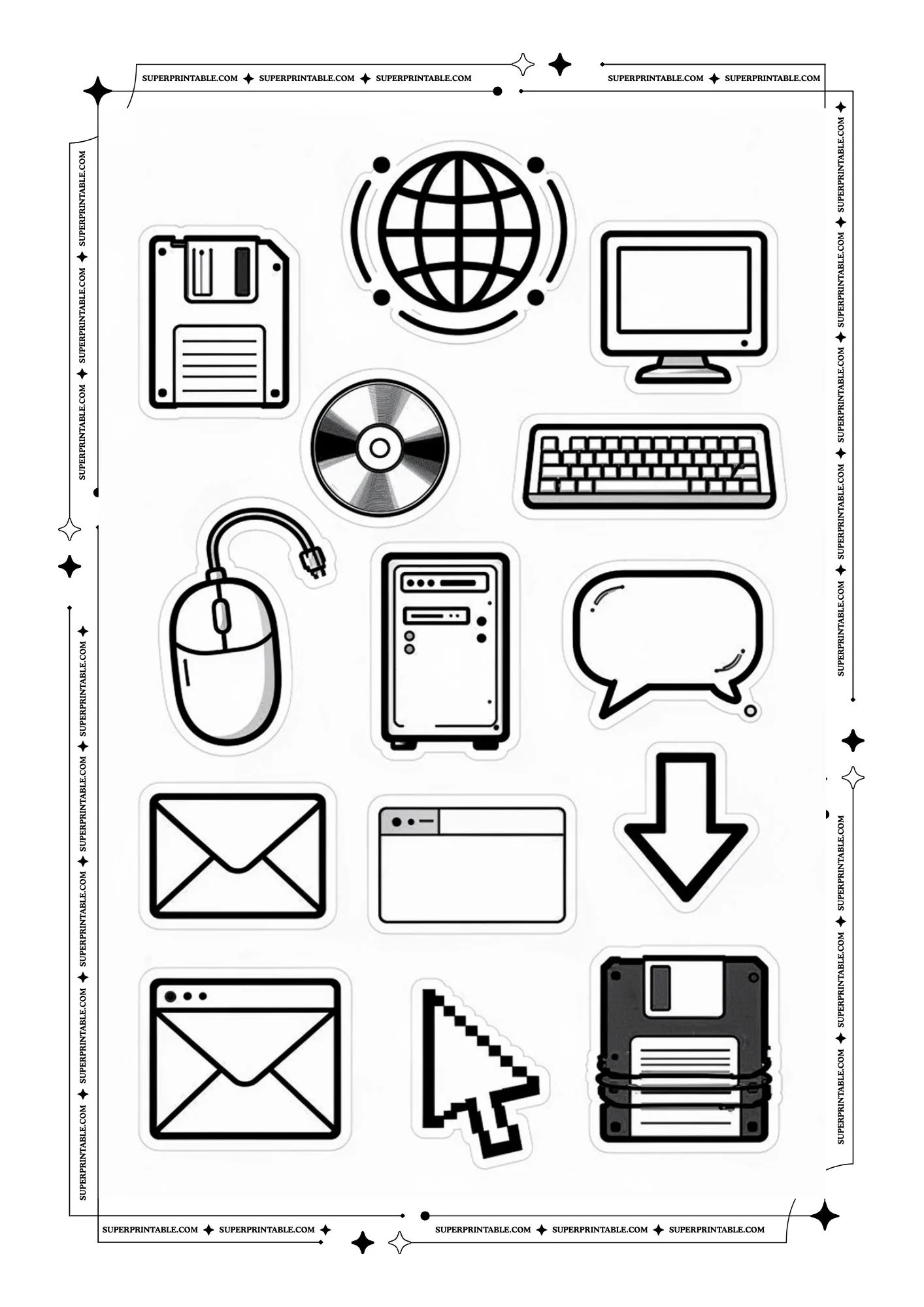
This picture shows simple computer icons like a globe, messages, and folders. These symbols help people understand digital tools easily. It reminds us that computers help us send messages, save files, and explore the internet.
 Download free PDF
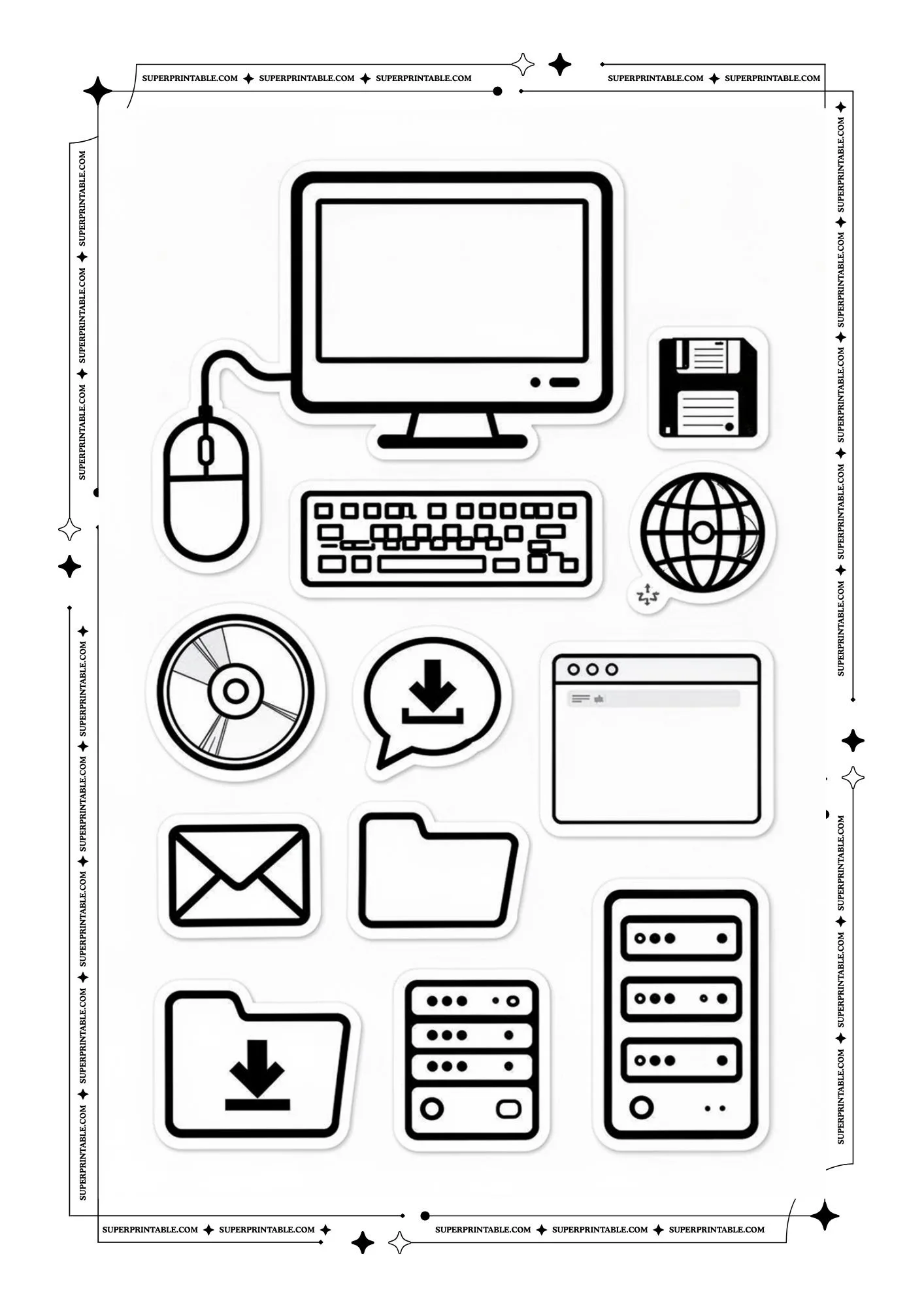
This picture shows different technology symbols such as a folder, screen, and download arrow. Each one represents a small action on a computer. It teaches us that learning these symbols helps us use computers with confidence.
 Download free PDF
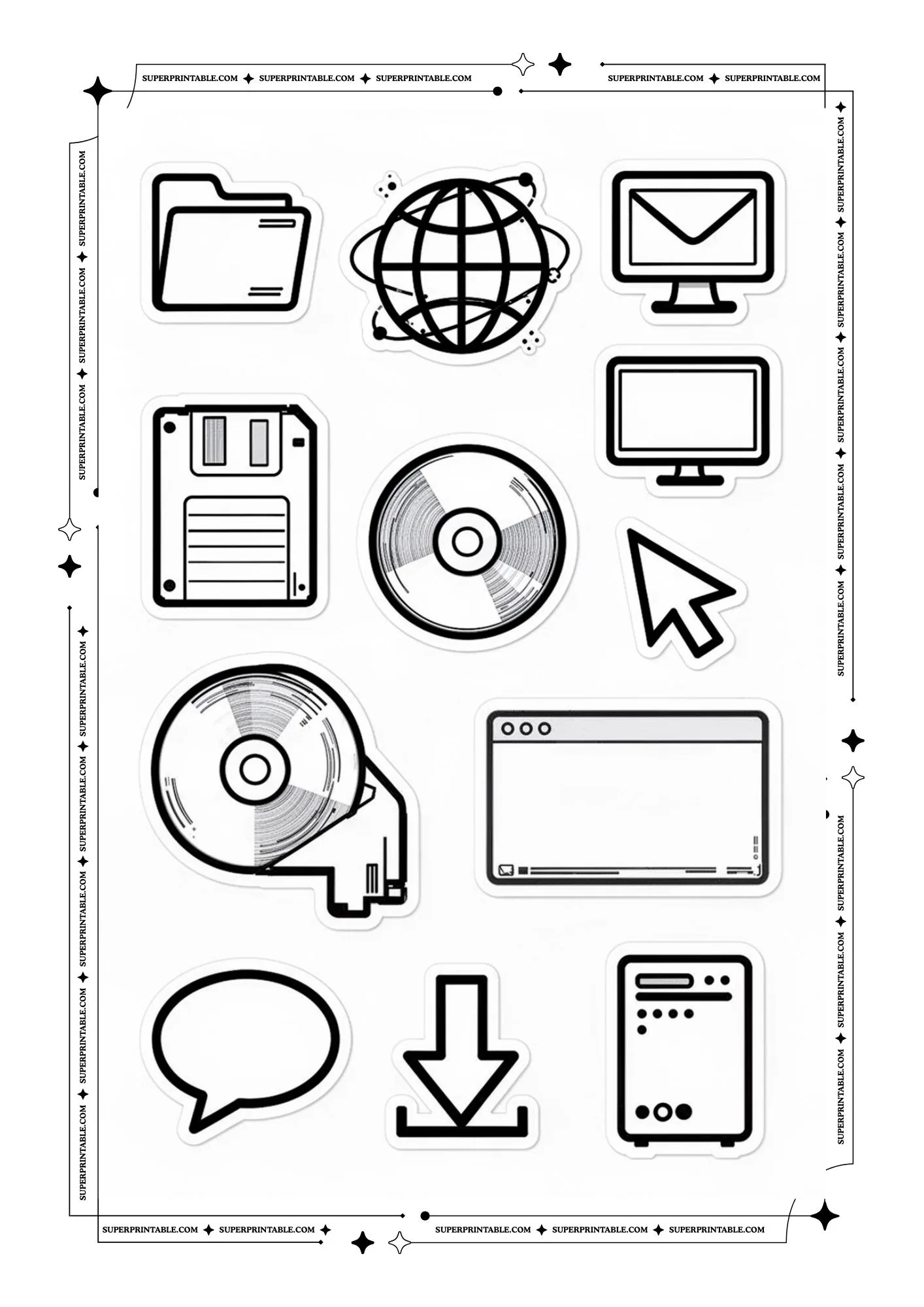
This picture shows computer icons like a disk, screen, and chat bubble. These tools help people store information and talk with others. It reminds us that computers help us learn, share, and stay connected.
Good for:
- Kids ages 6 and up
- Learning about old computers
- Fun classroom history talks
- Quiet art time at home
- Tech and game lovers
How to Use 90s PC World Coloring:
- Print the free PDF pages
- Let kids pick a computer scene
- Color the monitor, keyboard, and desk
- Talk about how people used computers before
- Keep the finished pages in a folder or on a wall